Drobo 8D User Guide 44
1.2.8.1 Turning On the Drobo 8D and Formatting the
Drives
To format the drives:
1. Open the Drobo Dashboard on your Apple Mac™ and press the power toggle button on the back
of the Drobo device once. The Drobo device powers on and appears on the All Drobos page in Drobo
Dashboard.
Note:
Some of the Apple Mac™ operating systems will prompt you to format the drives. Click Cancel
or Ignore, as appropriate, and continue with formatting from Drobo Dashboard.
2. Double-click on the Drobo 8D icon on the All Drobos page. A message appears, asking if you
would like to format the device.
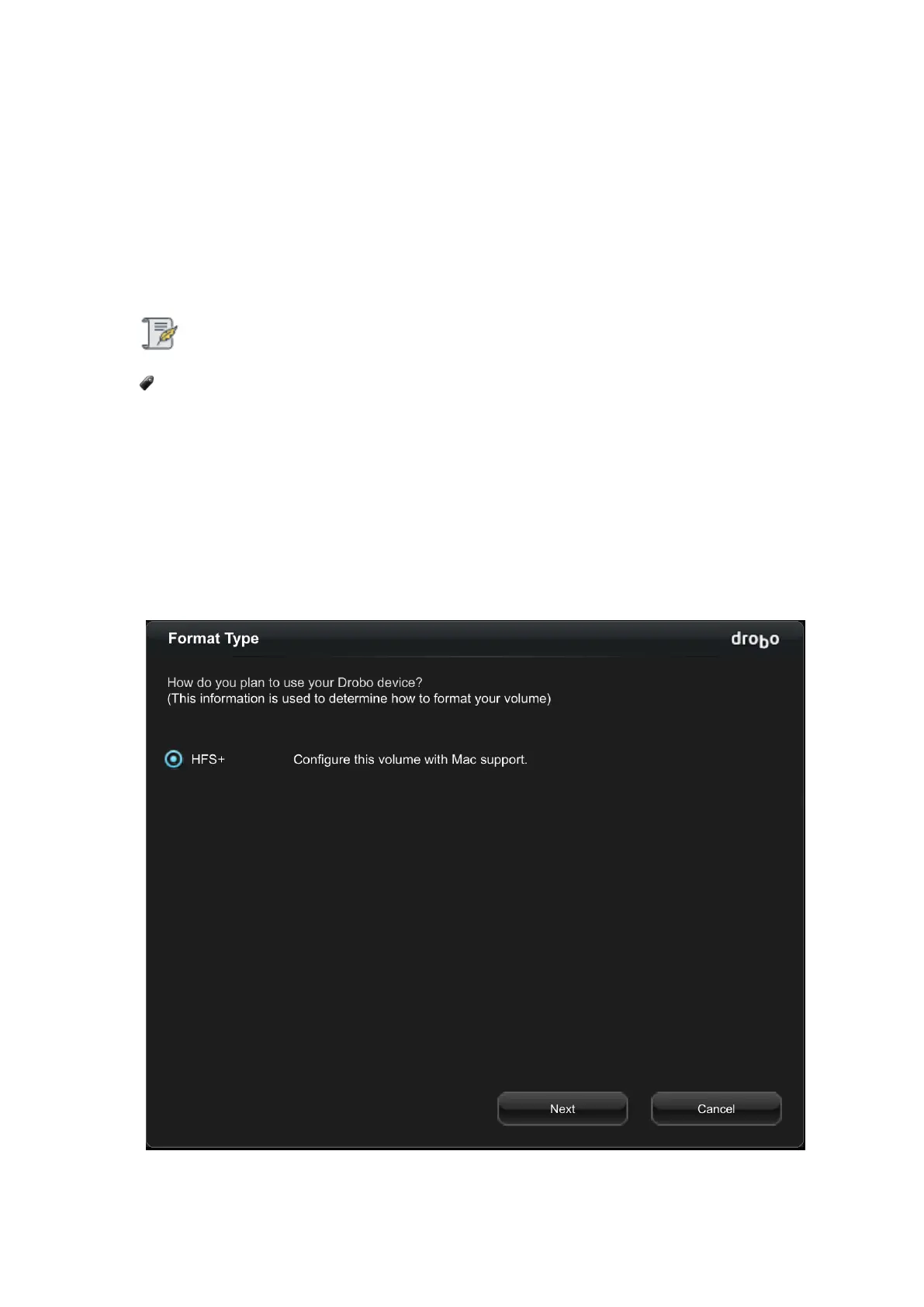
3. Click the Yes button. The Format Type page opens. Depending on your operating system the
page displays with different options.
The File Format page will appear as:



 To Next Page