Drobo 8D User Guide 114
1.7.7 Checking Drive Information
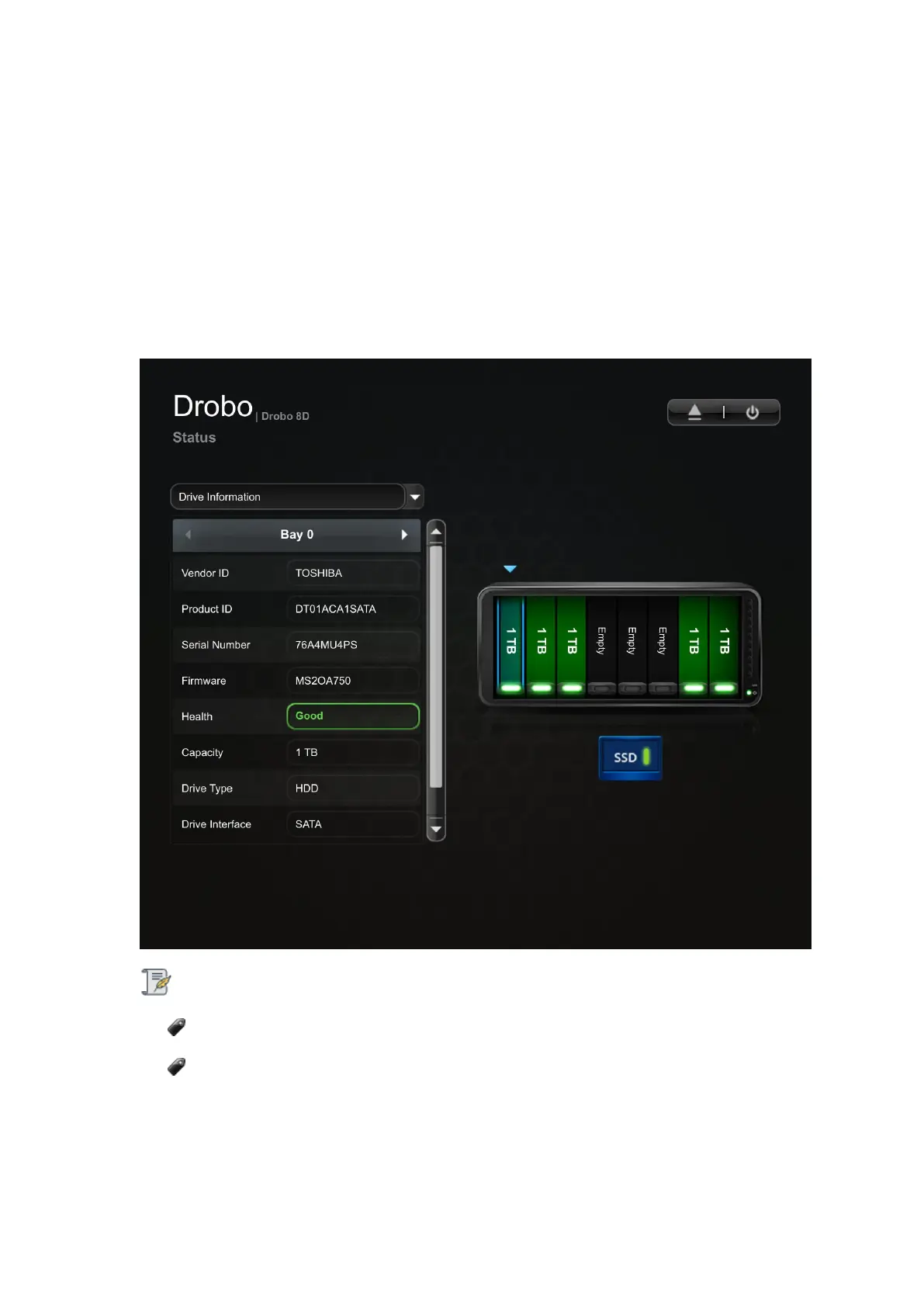
To check the drive information of the Drobo device:
1. In Drobo Dashboard on the All Drobos page, select the appropriate Drobo 8D.
2. Click the Status option on the Navigation menu. The Status page opens.
3. Select Drive Information from the drop-down list at the top.
4. Select the disk drive whose information you need by clicking the associated drive bay in the
image of the Drobo device.
Notes:
You can also traverse the different drive bays using the arrows on the table header.
If no disk exists in the selected drive bay, the disk status pane will be empty.
You can view the following drive information for the selected drive bay:
● Vendor ID - The manufacturer of the selected drive.
● Product ID - The product ID for the selected drive.



 To Next Page