Drobo 8D User Guide 70
Checking for Software Updates
The following steps ensure that Drobo Dashboard and the firmware of the device are up to date.
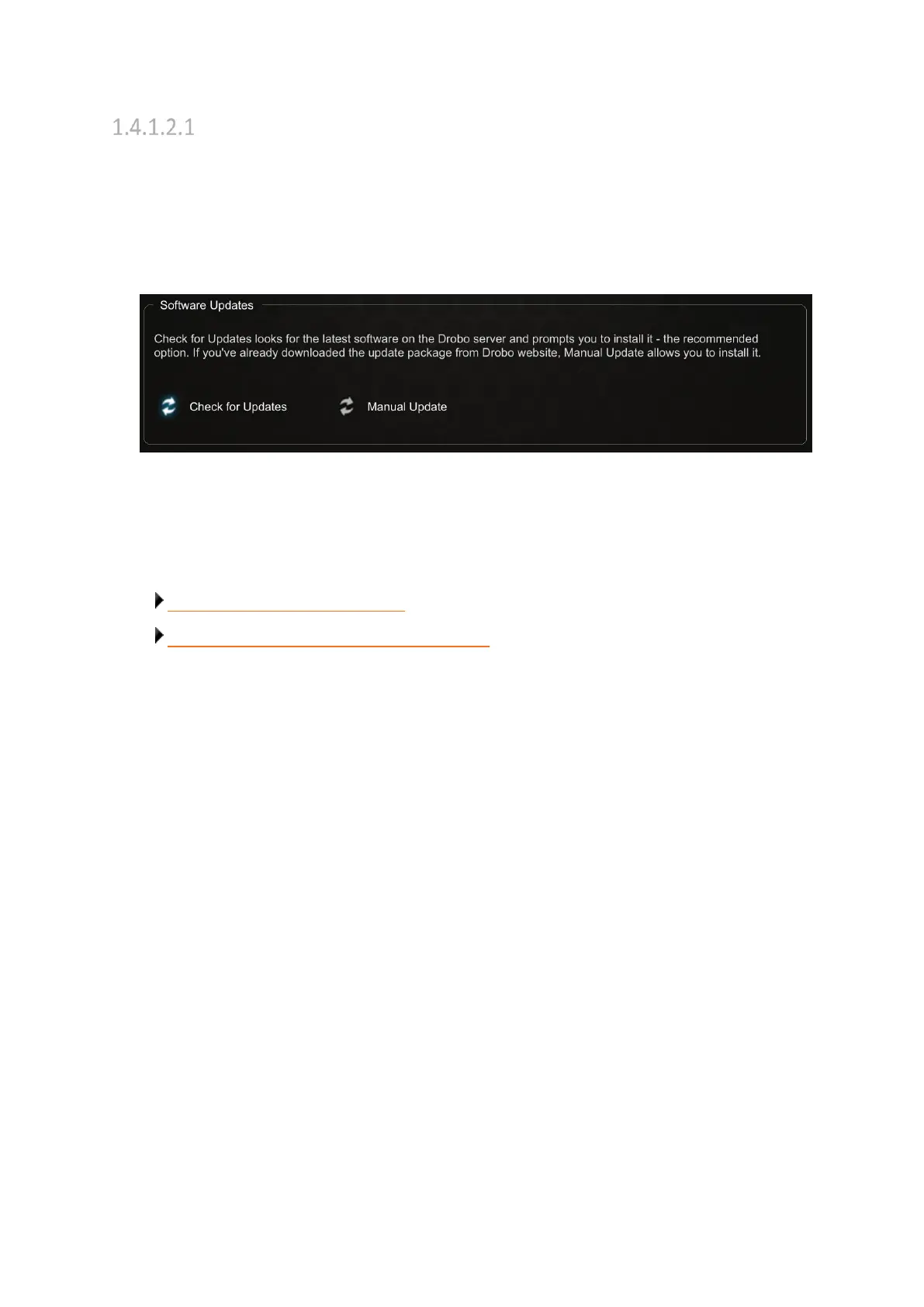
1. In Drobo Dashboard, select the Drobo 8D device from the All Drobos page.
2. Click the Tools option on the Navigation menu to open the Tools page.
3. In the Software Updates area of the Tools page, click the Check for Updates option.
4. If a software update is available, a dialog box opens, asking if you would like to install the update.
Click the Yes button and follow the prompts to install the update.
Related topics:
Keeping Your Software Up to Date
Updating the Drobo 8D to the Latest Firmware



 To Next Page