Drobo 8D User Guide 103
1.7.1.1 Viewing Capacity Chart
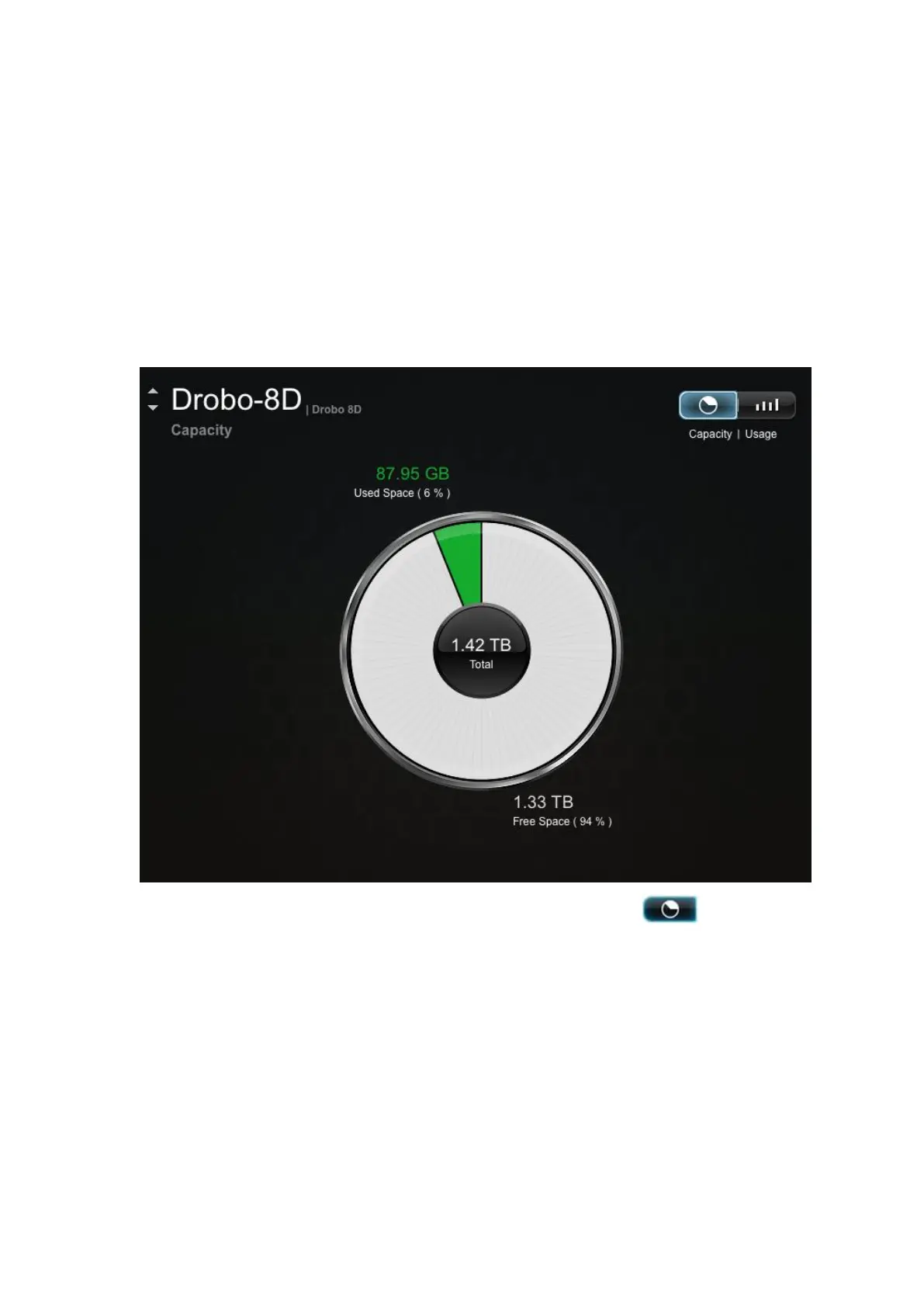
The capacity chart gives you a quick glance, and visual, of how your drive space is being used on the
Drobo 8D.
To view the capacity chart:
1. In Drobo Dashboard on the All Drobos page, select the Drobo device whose capacity chart you
would like to view.
2. Click the Capacity option on the Navigation menu. The Capacity page for the Drobo device
opens.
3. If the capacity chart is not currently displayed, click the Capacity button to open the
Capacity page.
The capacity is displayed as follows:
● Total – The total available protected capacity.
● Used Space – The part of the total protected capacity that is currently being used
for data storage.
● Free Space – The part of the total protected capacity available for use.



 To Next Page