Drobo 8D User Guide 72
1.4.1.3 Touring Drobo Dashboard
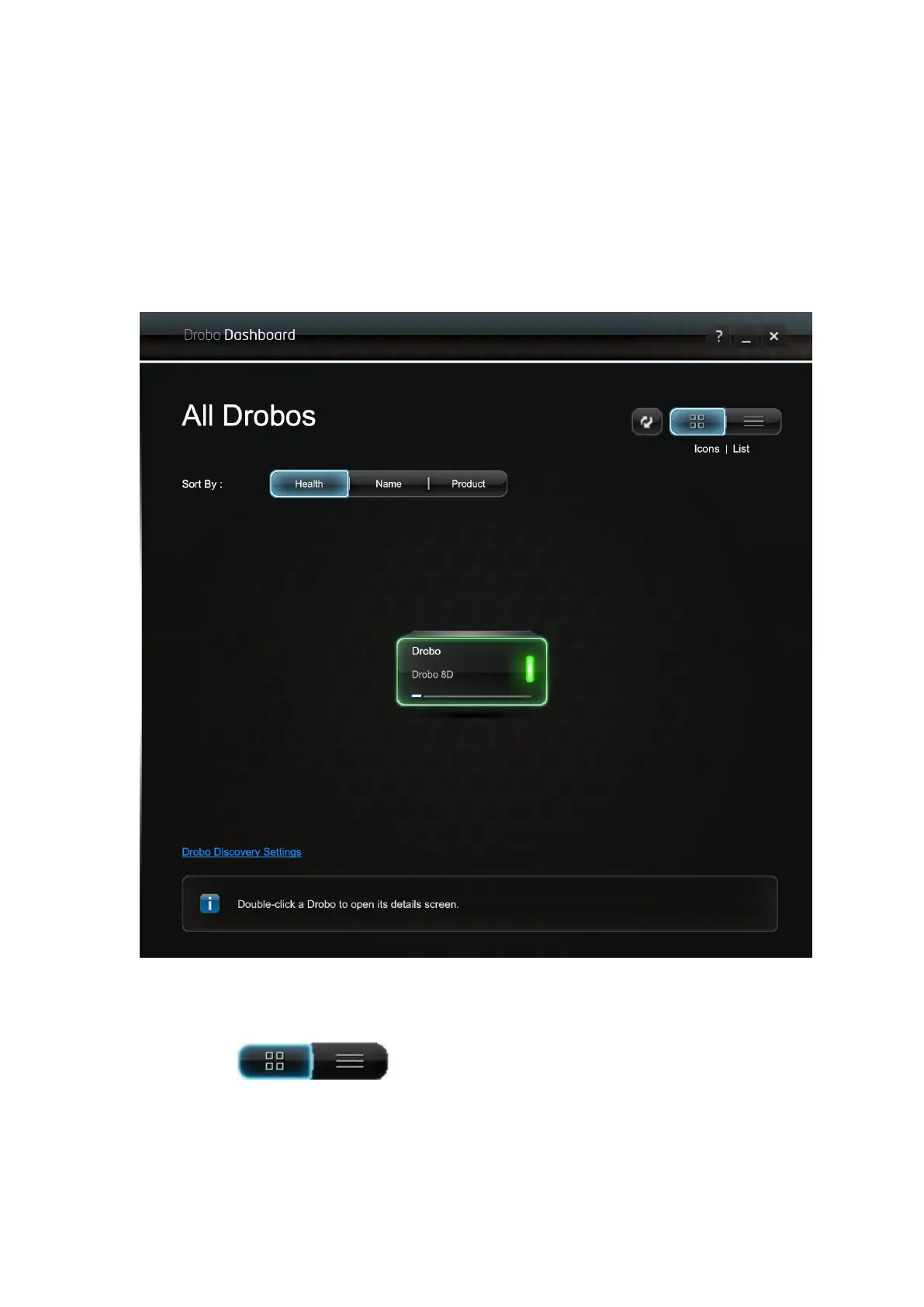
In this topic, the two main areas of Drobo Dashboard are defined for the Drobo 8D: the All Drobos
page and the Navigation menu.
All Drobos Page
When you first open the Drobo Dashboard, by default, the All Drobos page appears displaying all
Drobo devices connected to your Apple Mac™ and/or network.
View
The View buttons in the upper-right corner of the page enable you to view
the Drobo devices in one of the two following ways:
● View by Icon– This button provides a view of the connected Drobo devices displaying each
device as an icon. The selected Drobo device is highlighted with a green border.



 To Next Page