Drobo 8D User Guide 90
1.5.3 Dimming the Lights on Drobo 8D
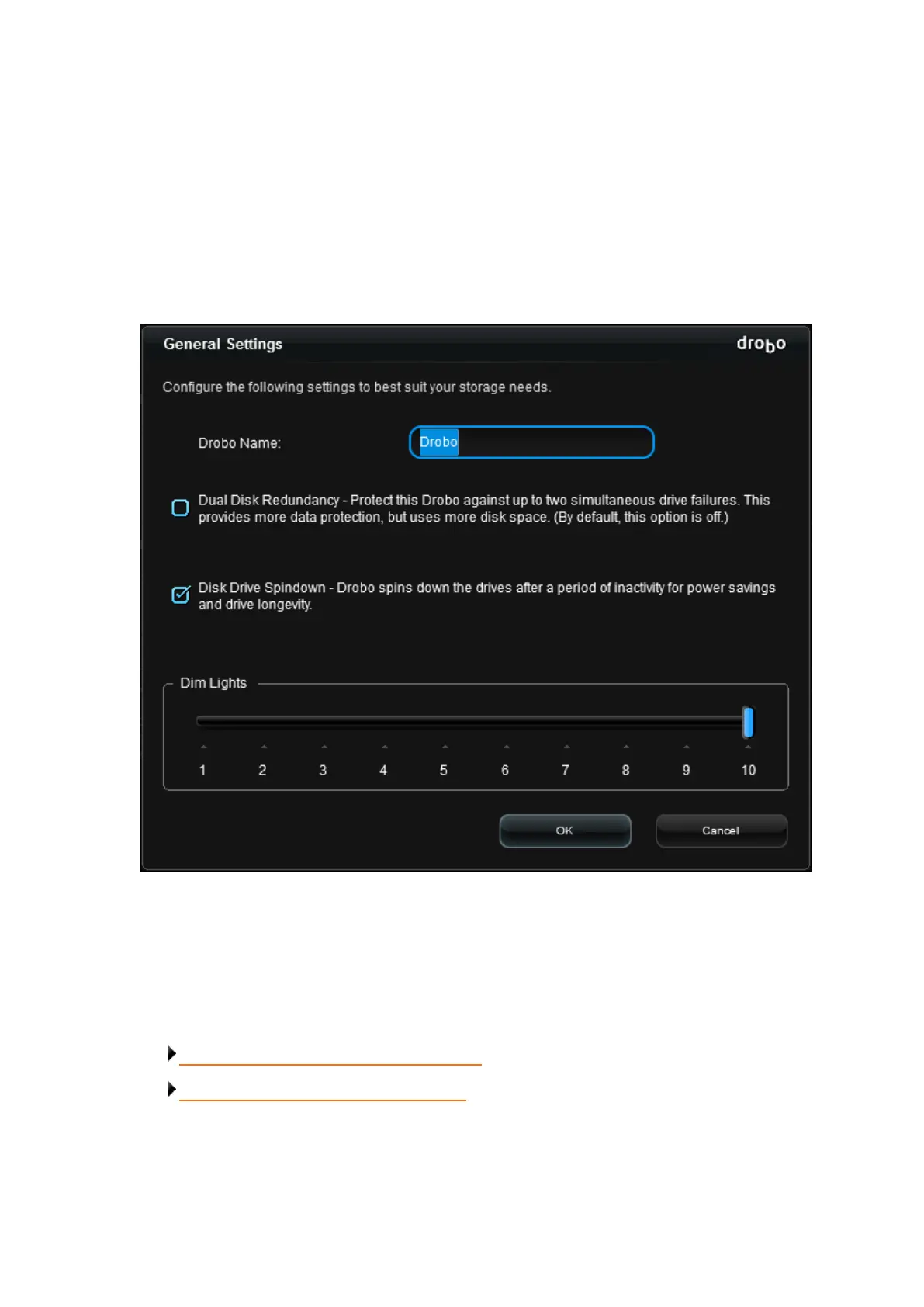
On the Drobo 8D, you have the option to dim the lights on your device.
To do so, follow these steps:
1. In Drobo Dashboard on the All Drobos page, select the appropriate Drobo device.
2. Click the Drobo Settings option on the Navigation menu, and click General. The General Settings
page opens.
3. Click and drag to slide the pointer for the Dim Lights to the level of brightness you want, where
10 is the brightest and 1 is the dimmest. The default level of brightness is “10".
4. Click the OK button. The setting is changed.
Related topics:
Enabling or Disabling Dual Disk Redundancy
Modifying the Disk Drive Spin Down Time



 To Next Page