Drobo 8D User Guide 130
1.8.3 Disabling E-mail Alerts
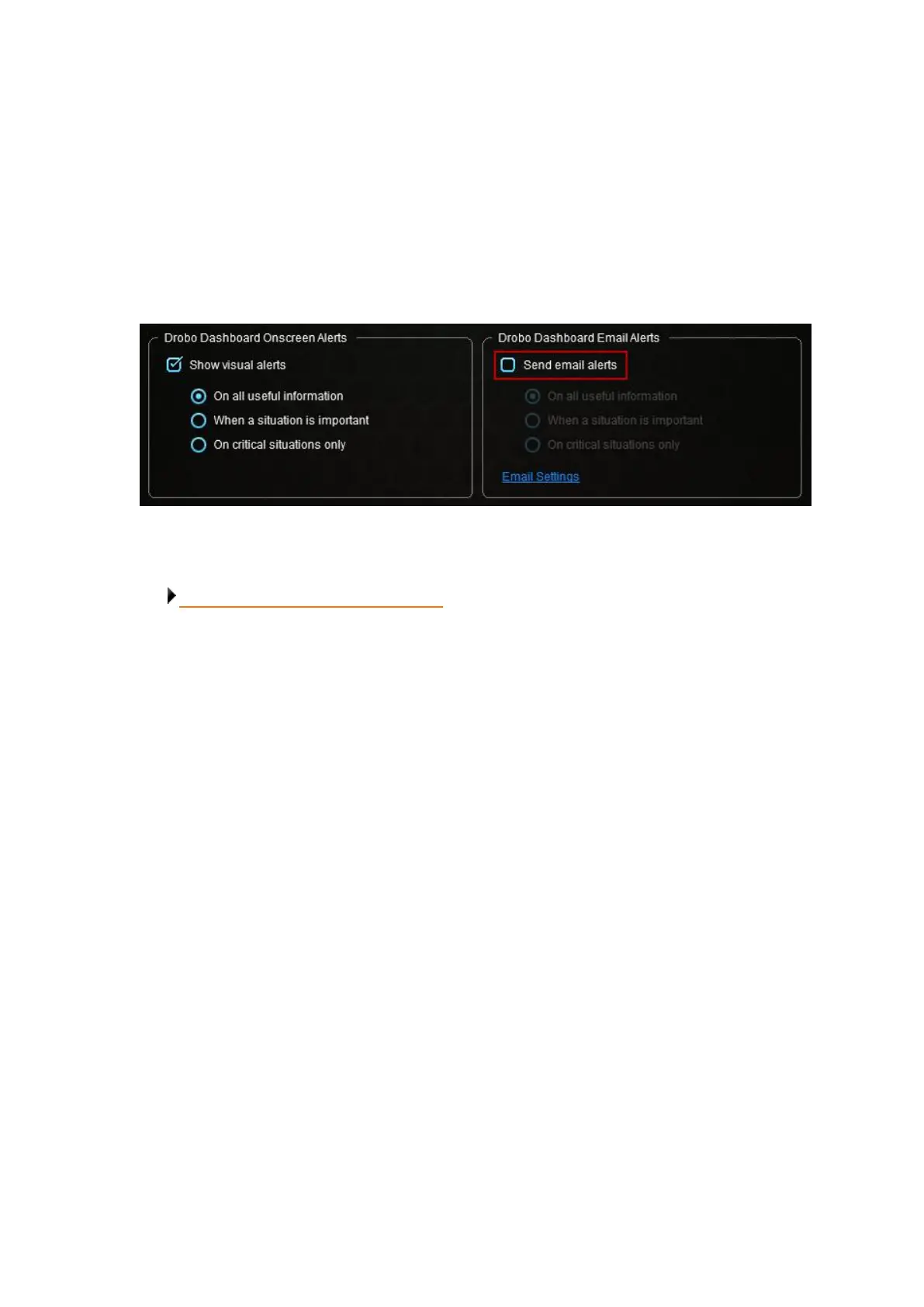
You can disable e-mail alerts at any time without changing your e-mail alert settings.
To disable e-mail alerts, follow these steps:
1. From the Drobo Dashboard, click the Dashboard Preferences option on the Navigation menu.
The Dashboard Preferences page opens.
2. In the Drobo Dashboard E-mail Alerts area, ensure the Send e-mail alerts check box is cleared.
Related topic:
Modifying When to Send E-mail Alerts



 To Next Page