Drobo 8D User Guide 108
● Hot Data Cache - If the value for this is "on," it indicates that you have atleast one SSD present in
the device. The SSD can be in standard drive bays and in back slot. The SSD is used as a cache for
"hot" data that is frequently read.
● Active Interface - The connectivity interface currently being used.
Tip:
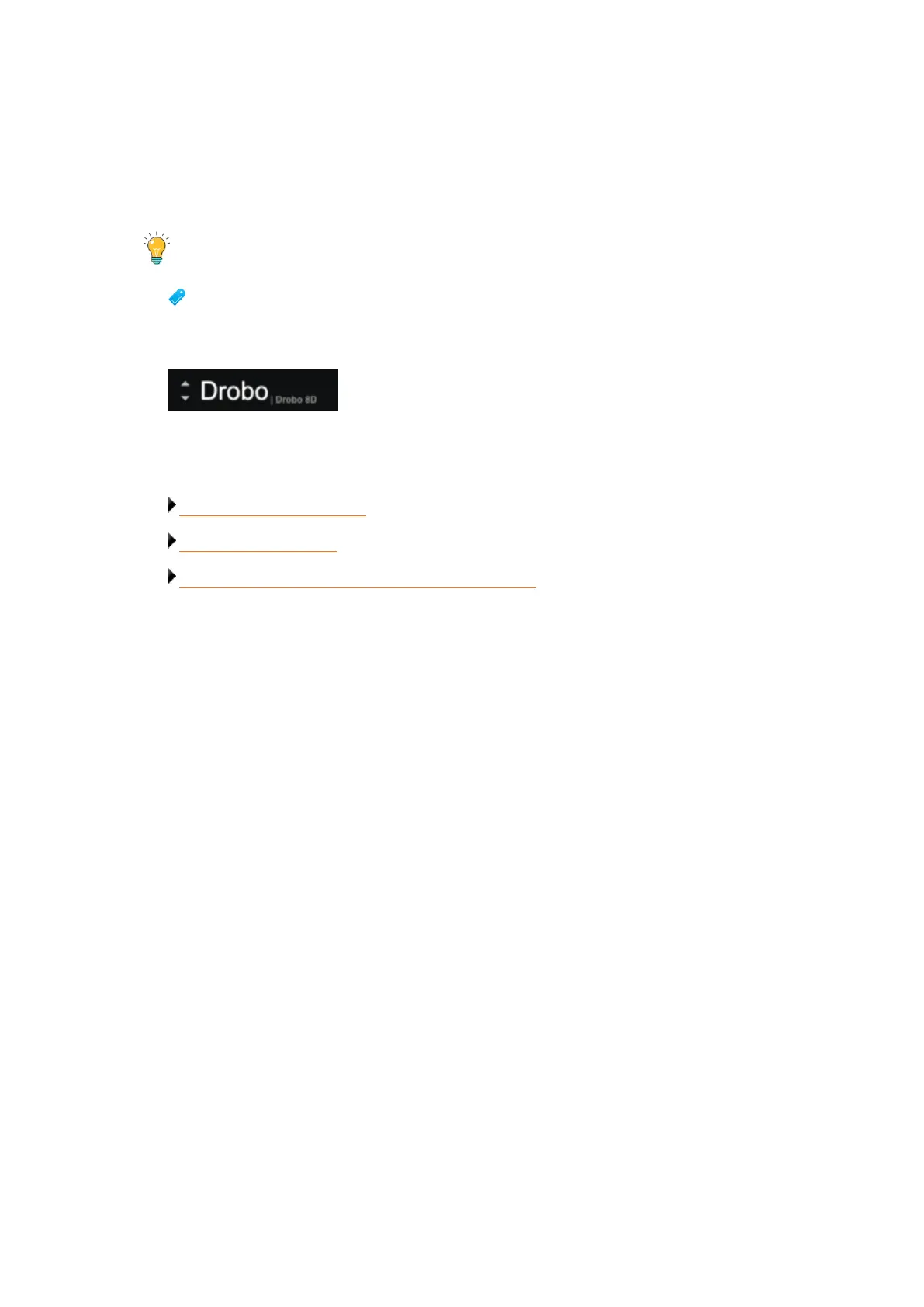
To view this information for other connected Drobo devices (if applicable), you can click
the up or down arrow key that displays to the left of the Drobo device name, which is in the
upper-left corner of the page. See the arrows in the image below.
Related topics:
Viewing the Capacity Chart
Viewing Storage Usage
Checking Your Current Version of Drobo Dashboard



 To Next Page