Drobo 8D User Guide 118
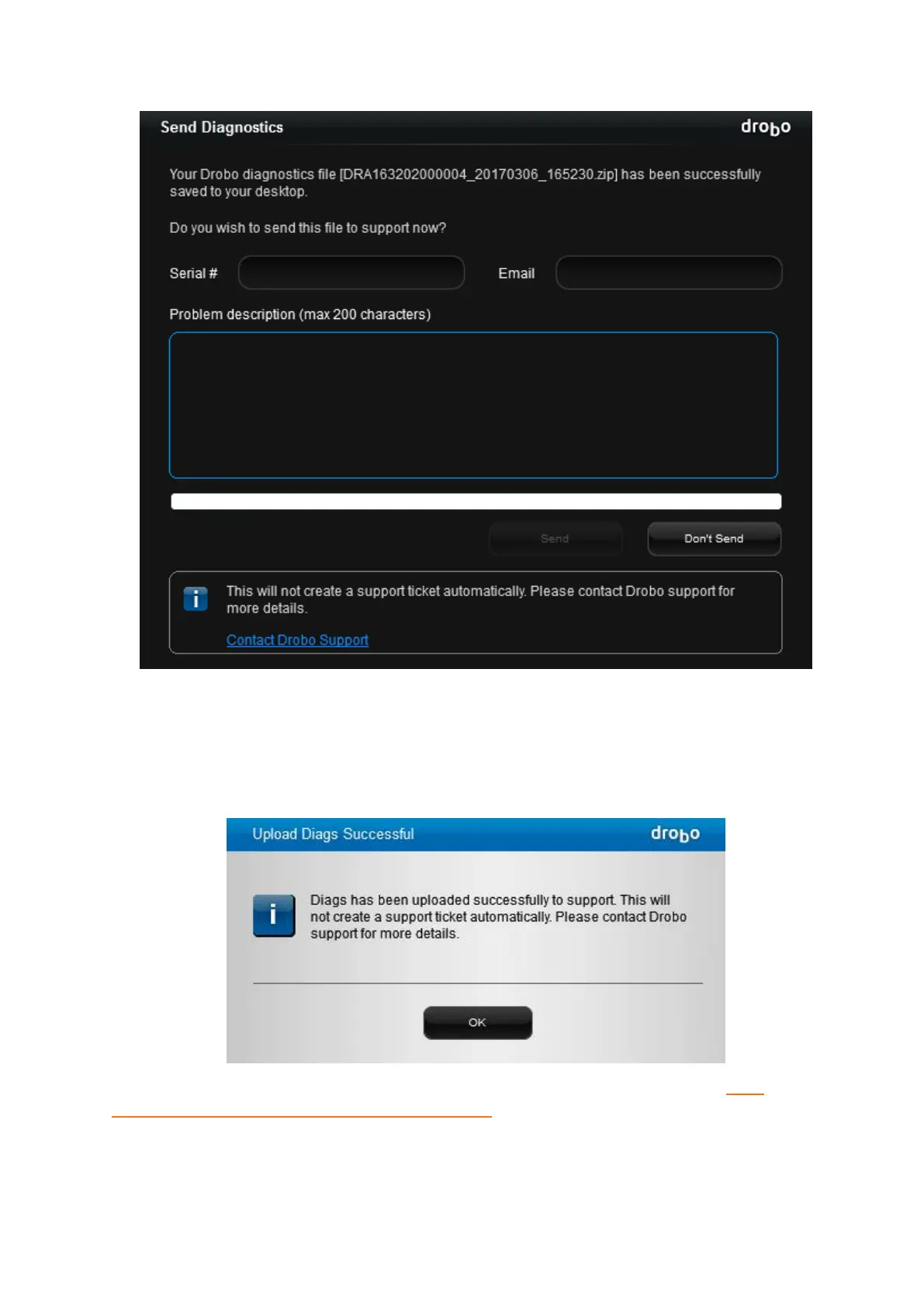
The Upload Diagnostics Successful dialog box opens, indicating that the diagnostics has been
successfully uploaded to support.
Generating a diagnostics this way does not automatically create support incident, you will need
to create a support incident if you require assistance. A copy of the zipped diagnostic file will be
downloaded to the local Apple Mac™.
If you cannot generate a diagnostics file because the Drobo device does not mount, see: What
should I do if my Drobo storage device will not mount?



 To Next Page