Drobo 8D User Guide 125
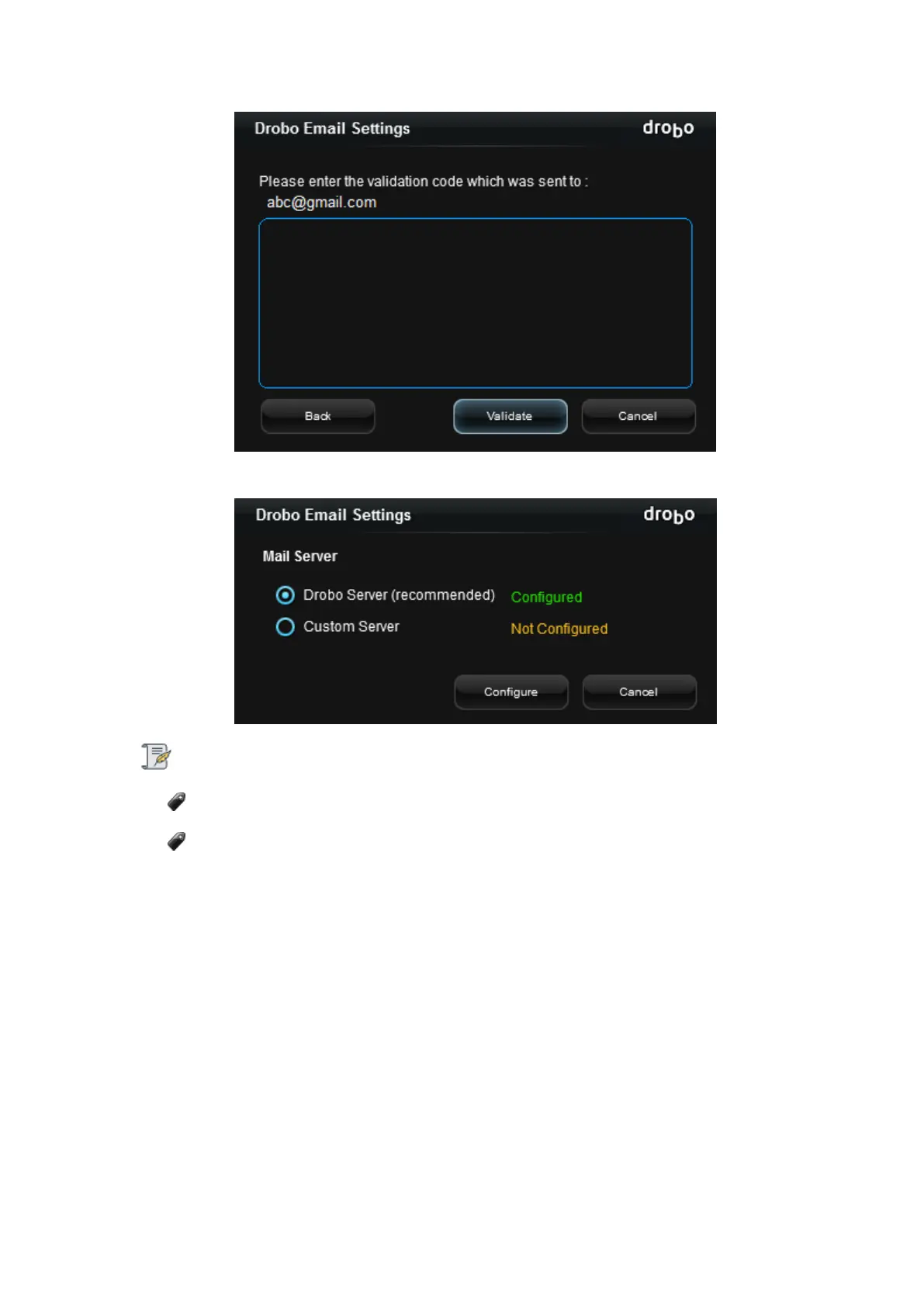
5. If successfully configured, the the Drobo Email settings page will show Drobo Server configured.
Note:
Once a key is generated, you can reuse it the next time.
It is not possible to configure the Drobo Server using the same email-id if the validation
code has already been sent to the email-id recently.
Custom Server
To configure the Custom Server, follow the steps given below:
1. Click the radio button for Custom Server and click Configure.



 To Next Page