Drobo 8D User Guide 34
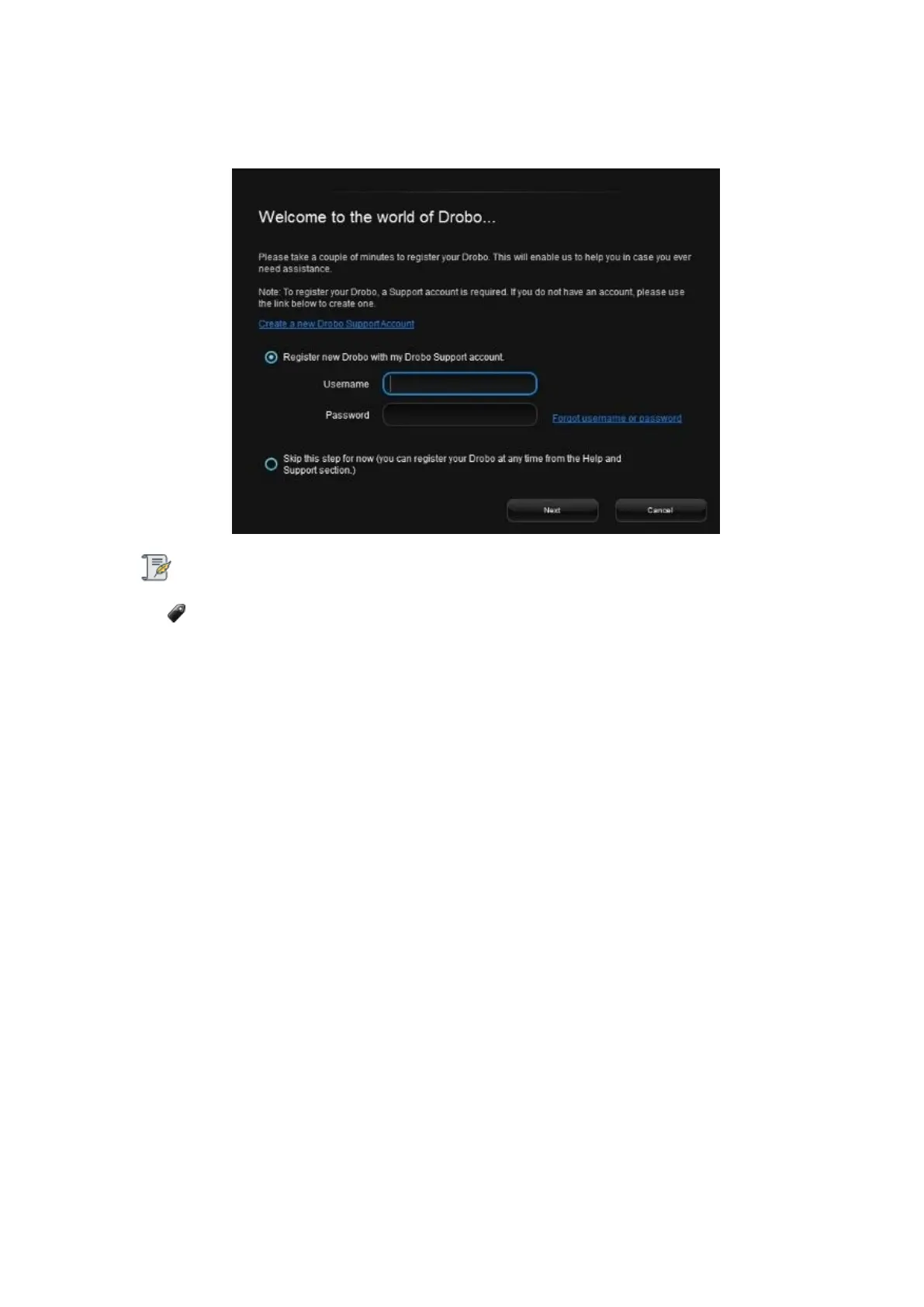
15. The application will prompt you to register the Drobo 8D. You can either register it or skip the
step and register it later. Select an option based on you preference.
Note:
We highly recommend to register your product in order to obtain support.
16. Click the Next button to view the All Drobos page. After a few seconds, Drobo "discovers" all
Drobo devices currently connected and displays them on this page.



 To Next Page