Drobo 8D User Guide 41
6. The Drobo should begin updating to the latest firmware. Please allow Drobo up to 20 minutes
for the total initialization process.
Note:
Leave the Dashboard idle while the initialization process is going on.
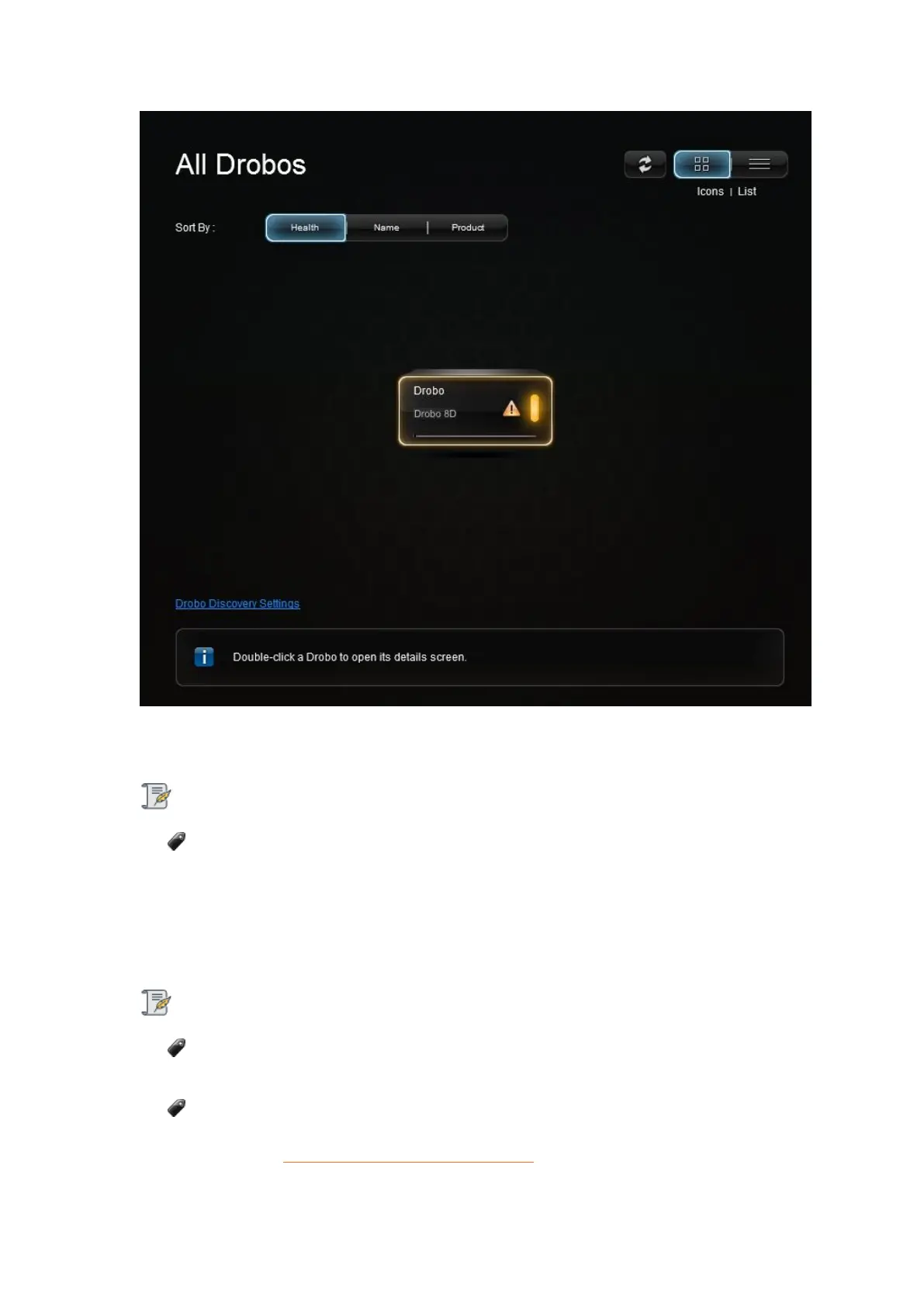
7. Here is what you will see happen:
During initialization, all of the drive slot LEDs will be yellow and the capacity LEDs will blink
blue. When initialization is complete, the Drobo 8D will restart to finish the firmware upgrade
process.
Important Notes:
If the Drobo Dashboard does not detect the Drobo 8D and initialization does not begin,
please disable any firewall and antivirus programs.
If the Drobo Dashboard will still not detect the Drobo 8D and the lights remain solid red,
please call our support line for assistance or open a ticket on your support account. For more
info, please see: How do I contact technical support?



 To Next Page