Drobo 8D User Guide 88
3. Select the Dual Disk Redundancy check box to enable it, or de-select it to disable Dual Disk
Redundancy.
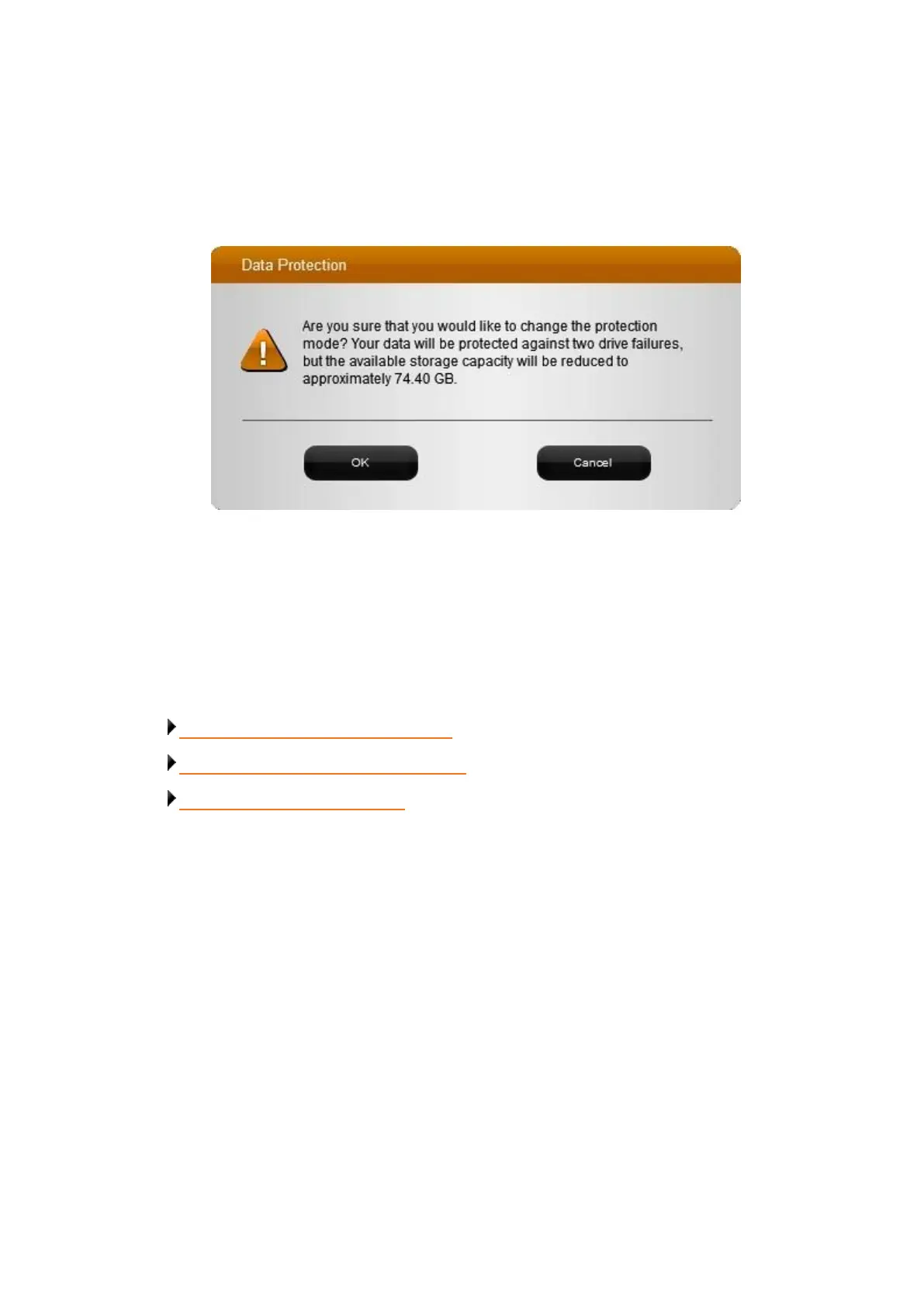
A message box automatically appears, asking you to confirm the change and letting you
know that the protected capacity on the Drobo device will decrease (if enabling Dual Disk
Redundancy) or increase (if disabling).
4. Click the Yes button in the dialog box to continue.
5. In the General Settings page, click the OK button.
6. If you are enabling Dual Disk Redundancy, an "In Progress" status bar may appear on the Status
page, letting you know that data protection is in progress. This may take some time.
Related topics:
Determining Drive Space Requirements
Modifying the Disk Drive Spin Down Time
Dimming the Lights on Drobo 8D



 To Next Page