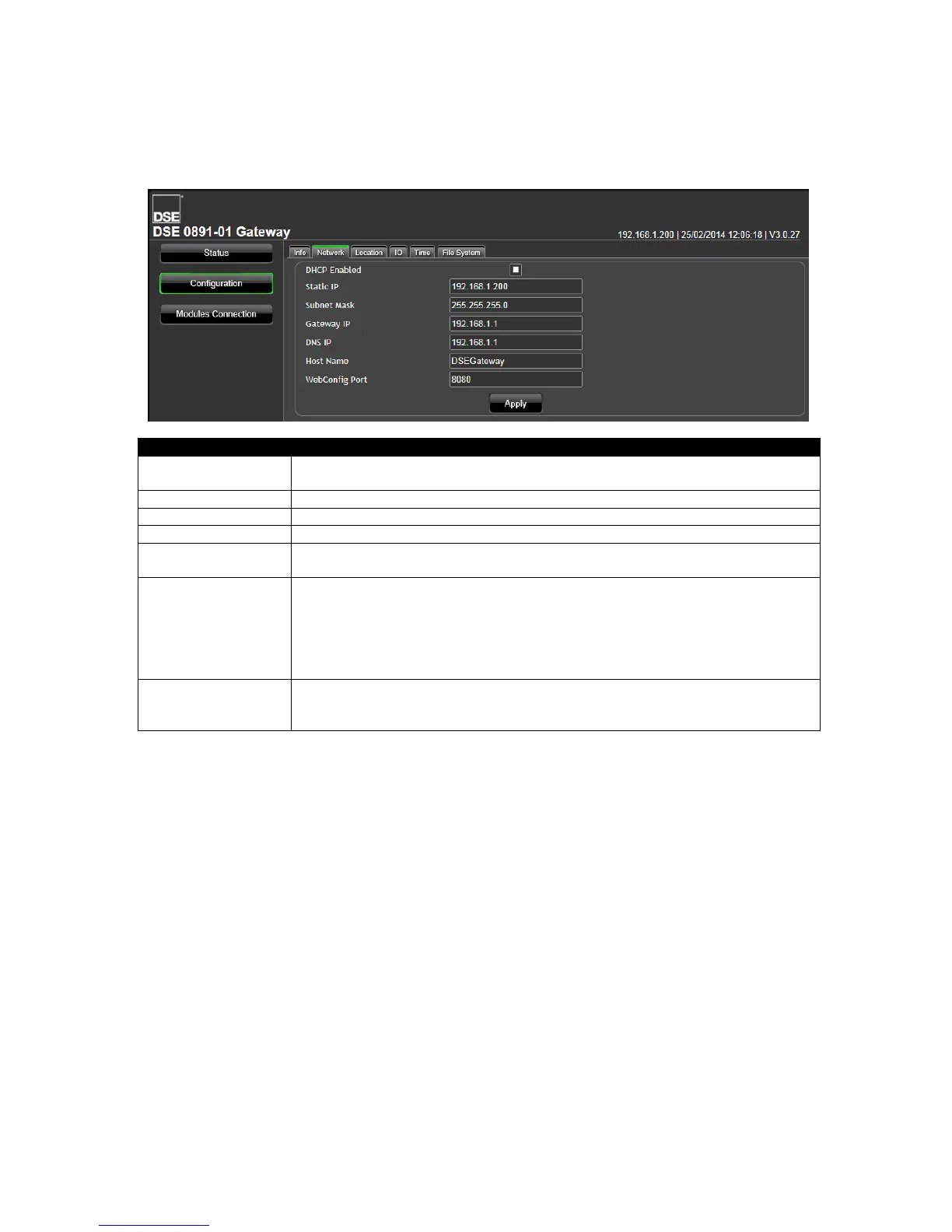
5.4.2 NETWORK
Consult with the IT/Network manager of the site that the DSEGateway
®
is connected to before making
any changes to these settings.
= The DSEGateway
®
requests network settings from a DHCP server.
= The DSEGateway
®
’s network settings must be entered manually.
(Factory setting 192.168.1.100)
(Factory setting 255.255.255.0)
IP address of the internet router that the DSEGateway
®
is connected to.
IP address of the Domain Name Service. Usually this is the same as the
Gateway IP.
Hostname of the device. Used to identify the DSE Gateway
®
on the network.
Give this a meaningful name to assist the network IT manager to recognise the
device on the network.
Some network configurations may require this to be a unique name, not used
by any other device on the network. Consult the network manager for more
information.
The TCP Port Number the DSEGateway
®
serves the webmanagement pages
on.
Consult the network manager for more information.



 To Next Page