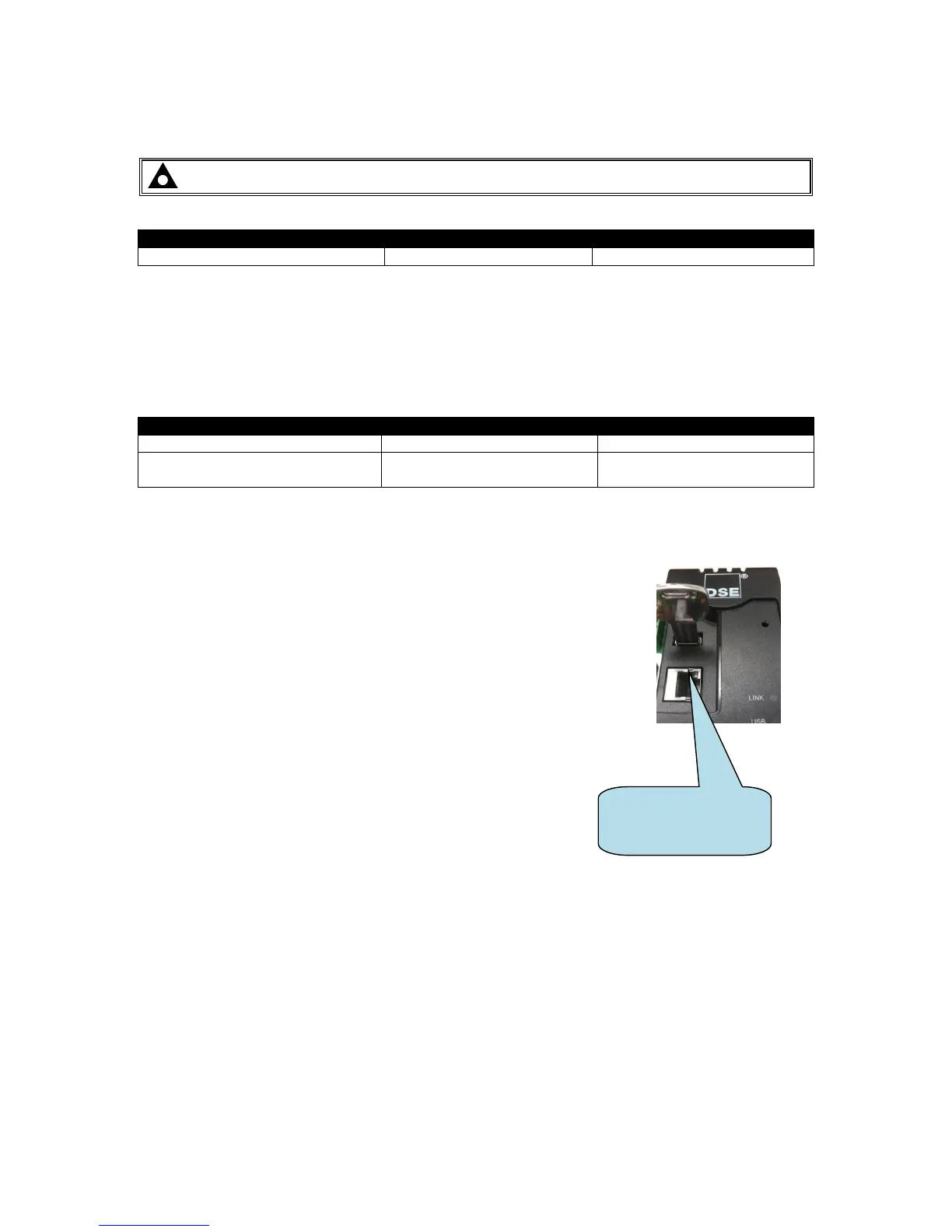
The Bootloader is a small program within the DSEGateway
®
that handles the updating of the firmware
within the device. Sometimes it may be necessary to update the Bootloader before the firmware can
be updated. Bootloader upgrade files are available from Deep Sea Electronics PLC technical support.
For example, to update from Version 1 or Version 2 firmware to Version 3, the Bootloader must first
be updated.
To do this Bootloader and Firmware update files are required as follows:
A USB flash memory stick formatted to FAT is alsro required. See Section entitled How to Format a
USB Flash Memory Stick to FAT, elsewhere in this document.
To update the Bootloader:
• Place the Bootloader update file onto the memory stick.
• Remove the DC power supply from the DSEGateway
®
.
• Insert the memory stick into the DSEGateway
®
.
• Reapply the DSE power supply to the DSEGateway
®
.
• Wait for the four status LEDs to stop cycling, then briefly remain
green. The link LED status will remain RED whilst communications
to DSEWebnet
®
are restabilished.
• The Bootloader updater file has been transferred to the
DSEGateway
®
.
• Remove the DC power supply from the DSEGateway
®
.
• Remove the memory stick from the DSEGateway
®
.
• Reapply the DSE power supply to the DSEGateway
®
.
• The DSEGateway
®
Bootloader has been updated.
• Proceed to update the firmware as below.



 To Next Page