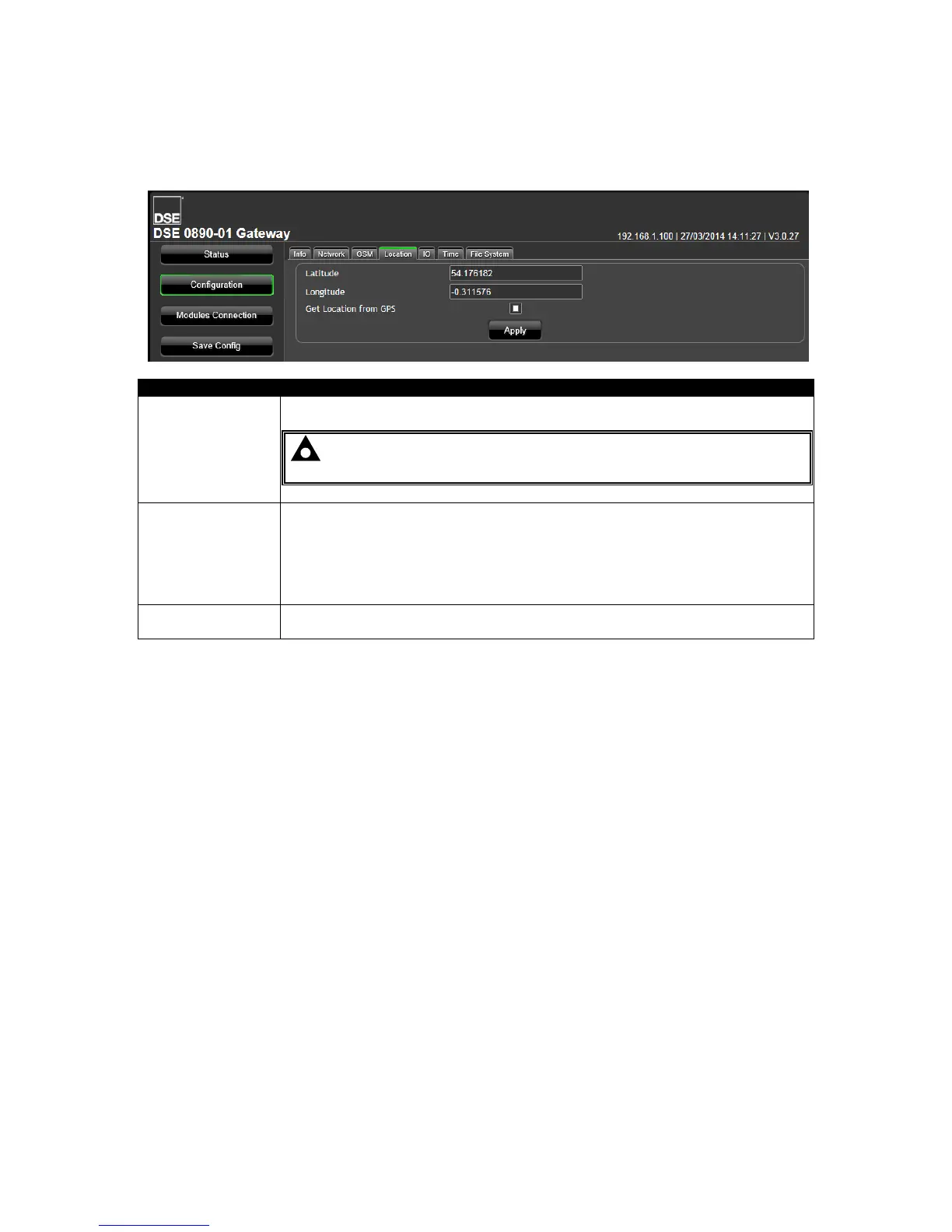
5.4.4 LOCATION
This is the location of the Site and the location that is used by the DSEWebNet® service when placing
the Site Icon onto the world map.
Manually entered location of the Site.
NOTE: Latitude and Longitude must be entered as decimal values
(not degrees, minutes, seconds).
Get Location From
GPS
(DSE890 Ethernet
Gateway® only)
= GPS is used to determine the site location for positioning the site on the
World map in the DSEWebNet
®
server. Additionally this location is used for the
Geofence function, to alert users when the DSE890 Ethernet Gateway
®
moves
outside the configured Geofence.
If no GPS signal is located, the manually entered location is used.
= Location is manually entered.
Click Apply to register the settings then click Save Config to restart the
DSEGateway
®
and connect with the new settings.



 To Next Page