■■■■■■■■■■■■■■■■■■■■■■■■■■■■■■■■■■■■■■■■■■■■■■■■■■■■■■■■■■■■■■■■■■■■■■■
▼
Implementing and Handling Applications
DS1104 Hardware Installation and Configuration March 2004
47
▲
■■■■■■■■■■I
▲■■■■■■■■■■■■■■■
To work with a model
1 In the Library: rtilib1104 window, double-click DEMOS.
2 Double-click the box titled Spring - Mass - Damper in the
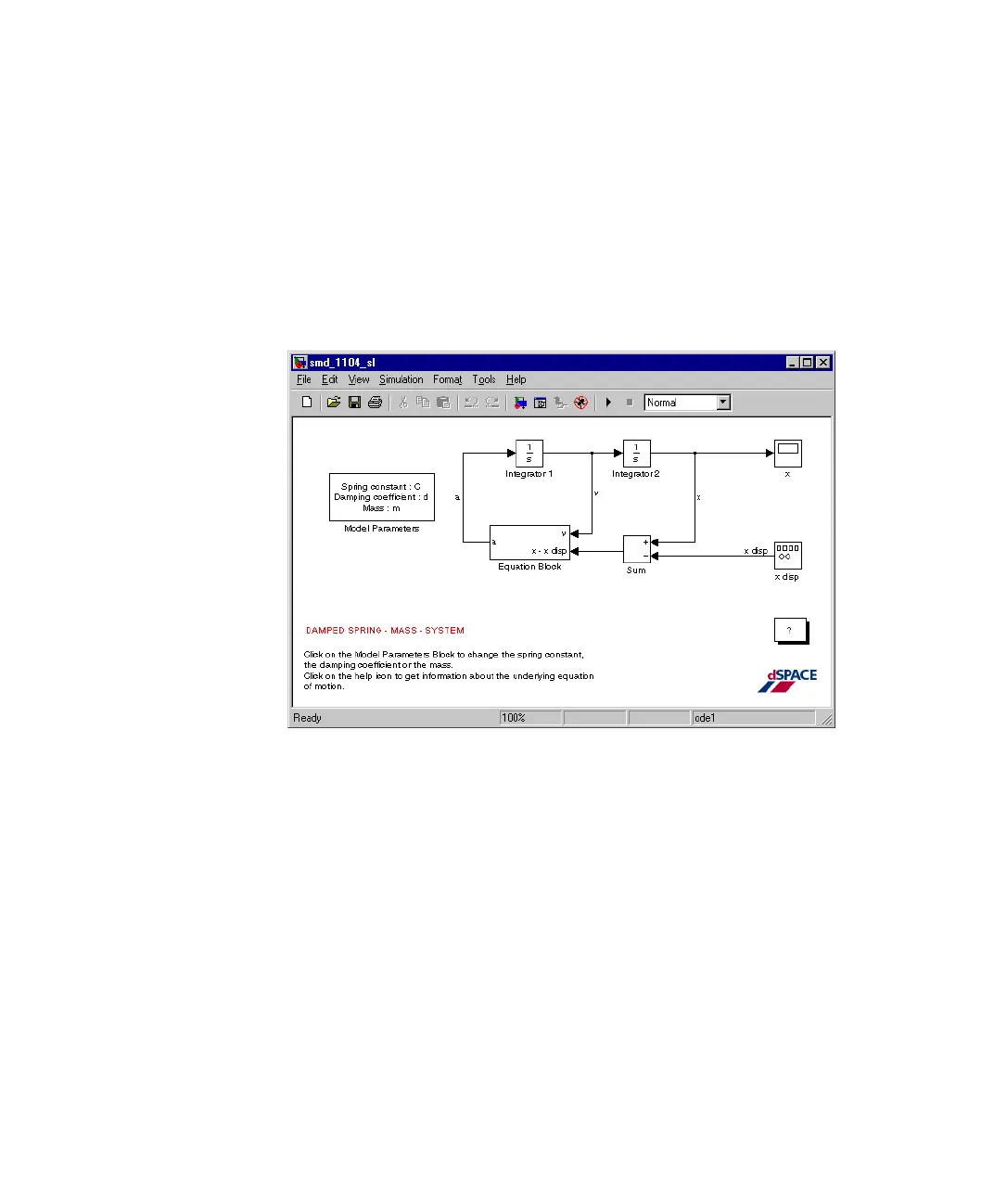
Library: rti1104demolib window to open the Simulink model
smd_1104_sl.
The Simulink model smd_1104_sl is displayed in an extra window.
3 To examine the model, double-click its blocks.
4 From the menu bar of the Model window, choose Tools –
Real-Time Workshop – Options to view the simulation
parameters.



 To Next Page