Implementing and Handling Applications
▲
■■■■■■■■■■■■■■■■■■■■■■■■■■■■■■■■■■■■■■■■■■■■■■■■■■■■■■■■■■■■■■■■■■■■■■■
DS1104 Hardware Installation and Configuration March 2004
I■■■■■■■■■■■■■
▼
56
■■■■■■■■■■■■■■■▼
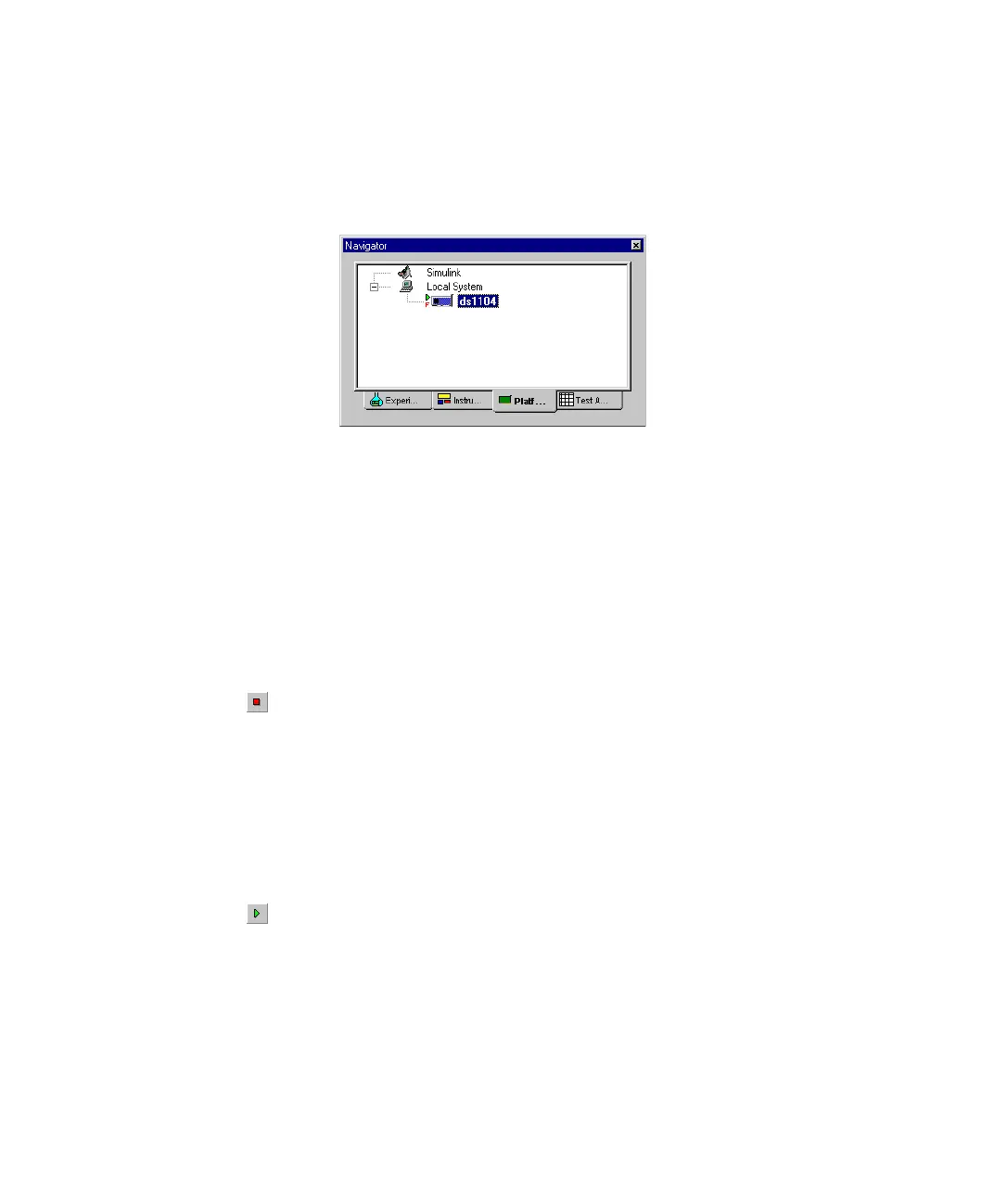
The F next to the board icon in the Platform Navigator indicates
that the running application is loaded from the flash memory.
N
For details on the behavior of Control Desk’s Stop Real-Time
Processor command, see Stopping a real-time application on
page 52.
To stop a real-time application
1 In the Platform Navigator, select the board.
2 From the menu bar, choose Platform – Application –
Stop Real-Time Processor.
Or you can click the Stop RTP/Simulation icon in the Platform
toolbar.
The program running on the real-time processor is stopped.
To reload a real-time application
1 In the Platform Navigator, select the board.
2 From the menu bar, choose Platform – Application – Reload
Application.
Or you can click the Reload Application/Start Simulation icon in the
Platform toolbar.
The application that was previously downloaded to the flash is
copied to the global memory again. Then, the application is started
automatically.



 To Next Page