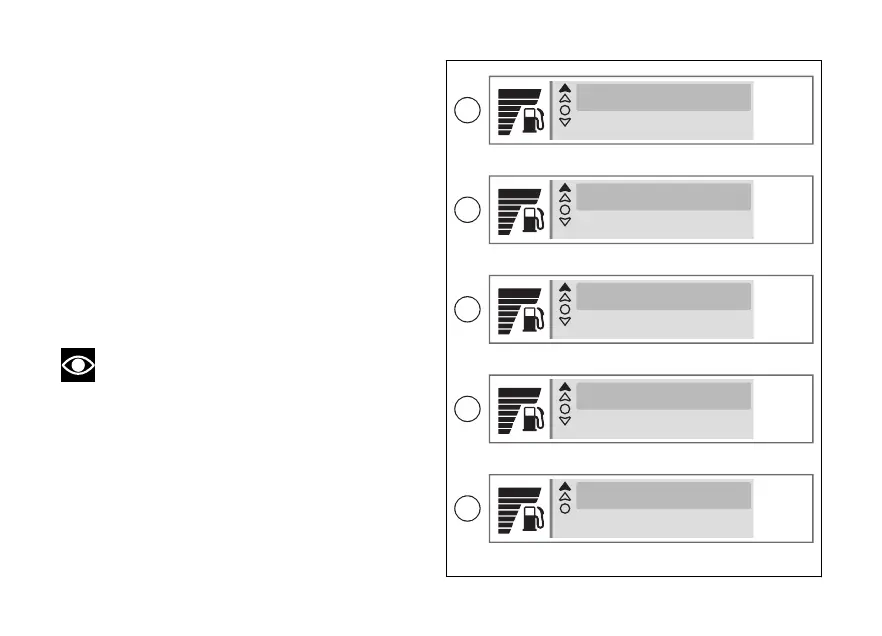
The submenu is displayed and includes the following
items:
●
"Directions" (D), allows you to set the mode in
which the directions are displayed.
●
“Last destinations” (E), lists and allows you to
select the last 2 destinations used.
●
"Favourite destinat." (F), lists and allows you to
select the favourite destinations (maximum 3)
saved in the Ducati Link app.
●
"Delete route" (G), allows you to stop the
navigation in progress.
●
"Back" (H), closes the current submenu.
Use (1) and (2) to select the desired item.
Press the ENTER (3) to confirm.
Note
Favourite addresses, entering a new
destination and route are managed directly
by the Ducati Link app.
Refer to what is indicated in the Ducati Link app.
10:34
am
10:34
am
Directions
Last destinations
Last destinations
Favourite destinat.
10:34
am
Favourite destinat.
Delete route
10:34
am
Delete route
Back
10:34
am
Back
D
E
G
H
F
Fig 81
140













 To Next Page