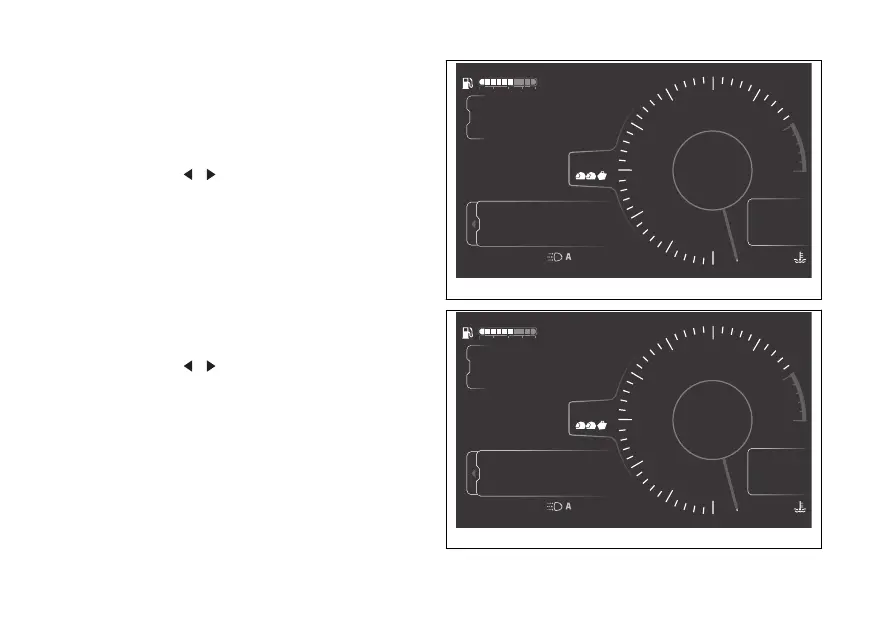
trip 1 information
Trip 1, Ø consumption 1, Ø speed 1 and Trip 1 time
information can be reset by pressing ENTER when
selected: the message Reset trip 1 info? will be
displayed followed by Yes and No (Fig 104).
Use the joystick to select Yes or No and press
ENTER to confirm your choice.
When the trip 1 information is reset, all the meters
that refer to it are reset as well.
trip 2 information
The Trip 2 information can be reset by pressing
ENTER when selected: the message Reset trip 2
info? will be displayed followed by Yes and No
(Fig 105).
Use the joystick
to select Yes or No and press
ENTER to confirm your choice.
4
1
2
3
5
6
7
8
10
12
Air
24
°C
0
km/h
90
°C
10:34
pm
N
Gear
rpm X1000
Totale
Autonomia
Percorso 1
km
km
km
2017
250
52.3
DTC
DQS
ABS
DWC
3
3
5
On
ABS
Setting menu
Trip master
ENDURO
Yes No
Reset trip 1 info?
Fig 104
4
1
2
3
5
6
7
8
10
12
Air
24
°C
0
km/h
90
°C
10:34
pm
N
Gear
rpm X1000
Totale
Autonomia
Percorso 1
km
km
km
2017
250
52.3
DTC
DQS
ABS
DWC
3
3
5
On
ABS
Setting menu
Trip master
ENDURO
Yes No
Reset trip 2 info?
Fig 105
125











 To Next Page