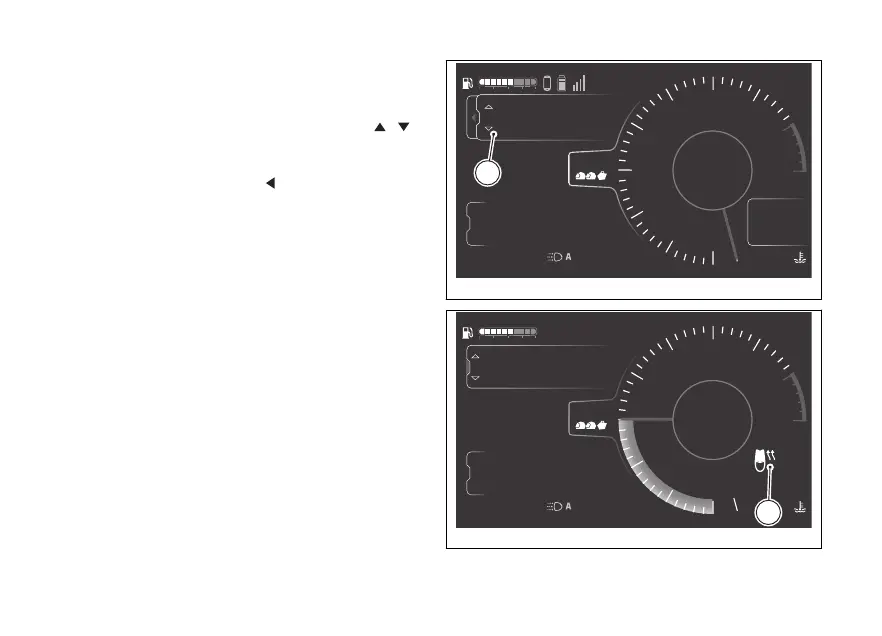
The page for adjusting the heating level (C, Fig 129)
is displayed, where the 3 available levels are listed:
High, Low and
Select the required level using the joystick .
Press ENTER to confirm and close the page.
To exit the page without making any changes, press
and hold the joystick in the
position for a long
time.
Each level is associated with a heated seat icon
(D, Fig 130).
This icon is displayed in grey when heating is
The icon becomes white when heating is on.
4
1
2
3
5
6
7
8
10
12
Air
24
°C
0
km/h
90
°C
10:34
pm
N
Gear
rpm X1000
km
km
km
2017
250
52.3
TOURING
High
Off
Low
DTC
DQS
ABS
DWC
3
3
5
On
Total
Range
Trip 1
C
Fig 129
4
1
2
3
5
6
7
8
10
12
Air
24
°C
100
km/h
90
°C
10:34
pm
4
Gear
rpm X1000
km
km
km
2017
250
52.3
Ducati Connect
ABS
Heated seat
ENDURO
Total
Range
Trip 1
D
Fig 130
166











 To Next Page