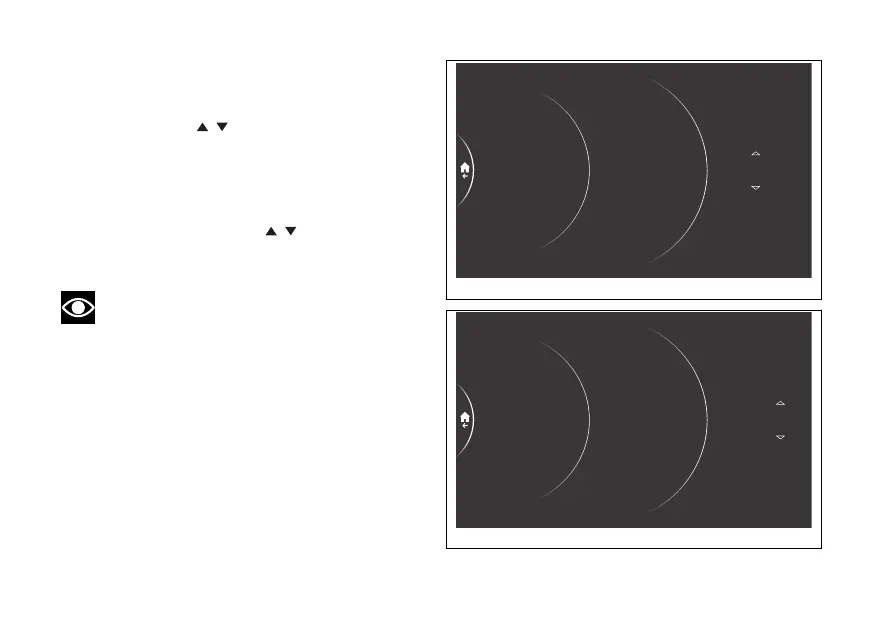
The minute number becomes selectable and is
displayed with two arrows placed above and below it;
the available values are also displayed (Fig 214).
Using the joystick it is possible to scroll and
select the desired value. Press ENTER to confirm
and move on to the AM/PM selection.
The AM or PM item becomes selectable and is
displayed with two arrows above and below it
(Fig 215). Using the joystick
it is possible to
select the desired value. Press ENTER to confirm
and return to the previous screen.
Note
If the currently set time format is 24 hours, the
AM/PM parameter is not shown.
Time format
Set time
Date format
Set date
Antitheft
Service
Date and time
Blind Spot…
Lap
10 : 25 pm
24
23
27
26
Fig 214
10 : 25 pm
am
Antitheft
Service
Date and time
Blind Spot…
Lap
Time format
Set time
Date format
Set date
Fig 215
234











 To Next Page