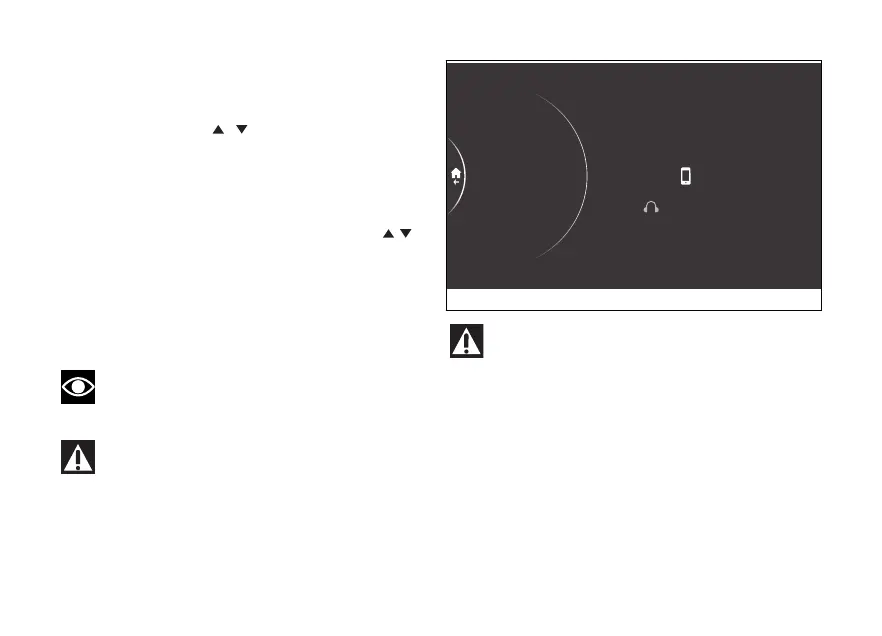
Paired devices
This function allows viewing and erasing paired
Bluetooth devices.
- Use the joystick
to select menu"
from the Interactive Menu and press ENTER.
- Select the Bluetooth item and press ENTER.
- Select the Paired devices item and press ENTER
(Fig 240).
The paired devices are listed; use the joystick to
select the desired device and press ENTER.
The message Delete? is shown on the right.
(Fig 243)Press ENTER to delete the selected device
from the list: the message Wait... is displayed for a
few seconds and then the list of paired devices is
updated.
Note
If there are no paired devices, the message No
device is displayed.
Bluetooth Headset device manufacturers may
incorporate changes within the standard
protocols over the course of the lifecycle of the
device and Earphones).
These changes are outside the control of
Ducati and may result in Bluetooth Headset devices
functionality becoming impaired (sharing Music,
multimedia player, etc.) and may equally some
types of (depending on
Bluetooth profiles). This is why Ducati cannot
guarantee multimedia player proper operation for:
- the entire range of headphones and
available on the market;
- that do not the required
Bluetooth profiles.
Paired
Delete?
Scala Q3
Samsung S7
1
Fig 243
250











 To Next Page