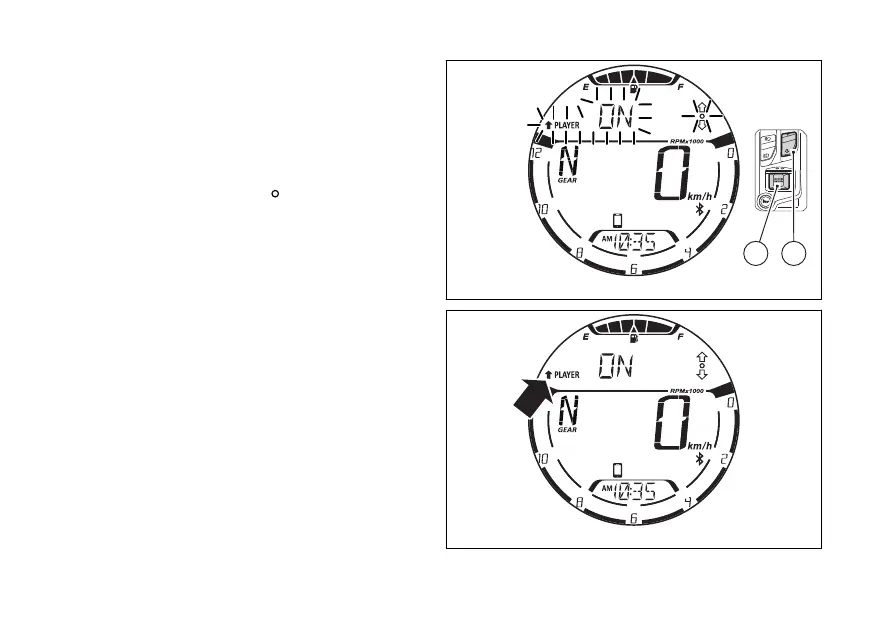
Exiting the active music player control (ON):
To exit the music player control and keep it active, for
example with the track being played, press (2)
for 2 seconds. the display shows the
black arrow facing upwards flashing for 3 seconds
followed by the indication “PLAYER”, the message
“ON” and the empty circle “ ” (Fig 82).
3 seconds (1), (2) and (4)
go back to their “standard” functions for the
management/control of the instrument panel and
are no longer used for the music player functions.
Once activated (ON), the “Music player management
(PLAYER)” function appears inside the menu with
the black arrow facing upwards followed by the
indication “PLAYER” and the message “ON” (Fig 83).
Fig 82
Fig 83
104















 To Next Page