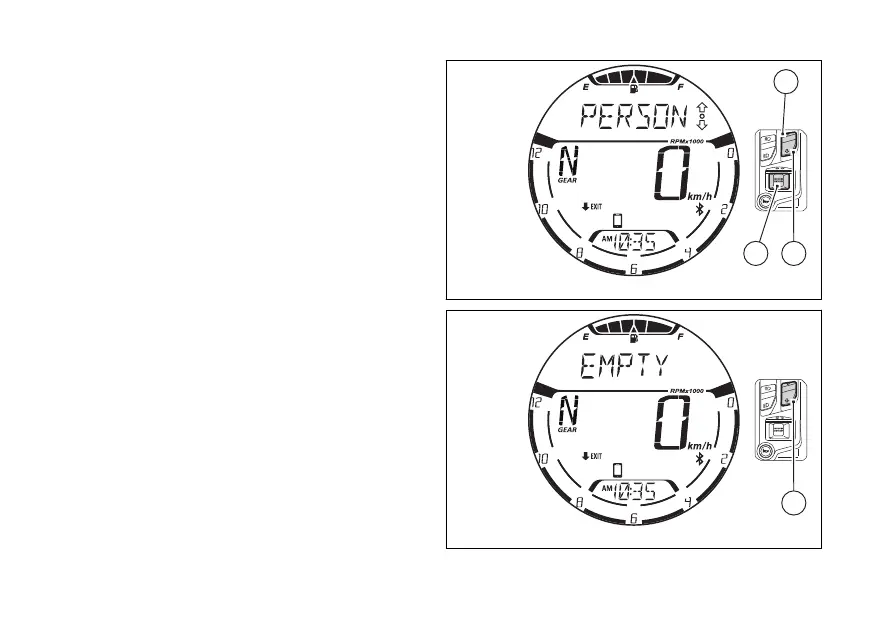
Use (1) and (2) to scroll through the calls in
the list. To make a call to the number/name selected
from the list, press (4). For more information
refer to the chapter “Infotainment – Call in progress”
on page 151.
If the list of calls is empty, “EMPTY” will be displayed
(Fig 91). In this case it is only possible to exit the
function.
To exit the function and go back to the previous
screen, press (2) for 2 seconds.
Fig 90
Fig 91
108















 To Next Page