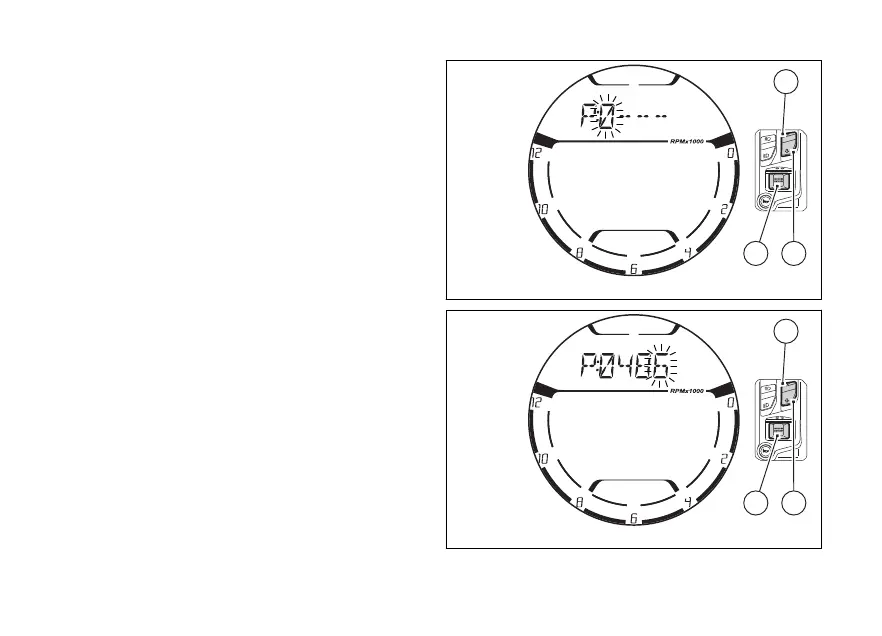
Entering the PIN CODE
Press (1) or (2) to access the PIN CODE
entering mode. Digit “0” on the will flashing
(1st digit to enter) (Fig 27).
Otherwise, if (4) is pressed without entering
the PIN CODE, this page will be you will go
back to the “main” page, any error will be signalled
(as planned) and the “engine lock” will be kept.
To set the digit, each time you press the (1)
the displayed number increases by one (+ 1) up to "9"
and then back from “0”, vice versa each time
you press the (2) the number decreases by
one (- 1) up to "0" and then back from "9".
Press (4) to confirm the first digit and
automatically move to the of the following
digit, and so on until the and last digit
(Fig 28).
Fig 27
Fig 28
51















 To Next Page