98
If Messages Appear
If an error has occurred, fi gures and messages appear on the touch panel.
Confi rmation messages may also appear. In such cases, follow the procedure below to clear the
error.
●
Display on the touch panel
1
2
3
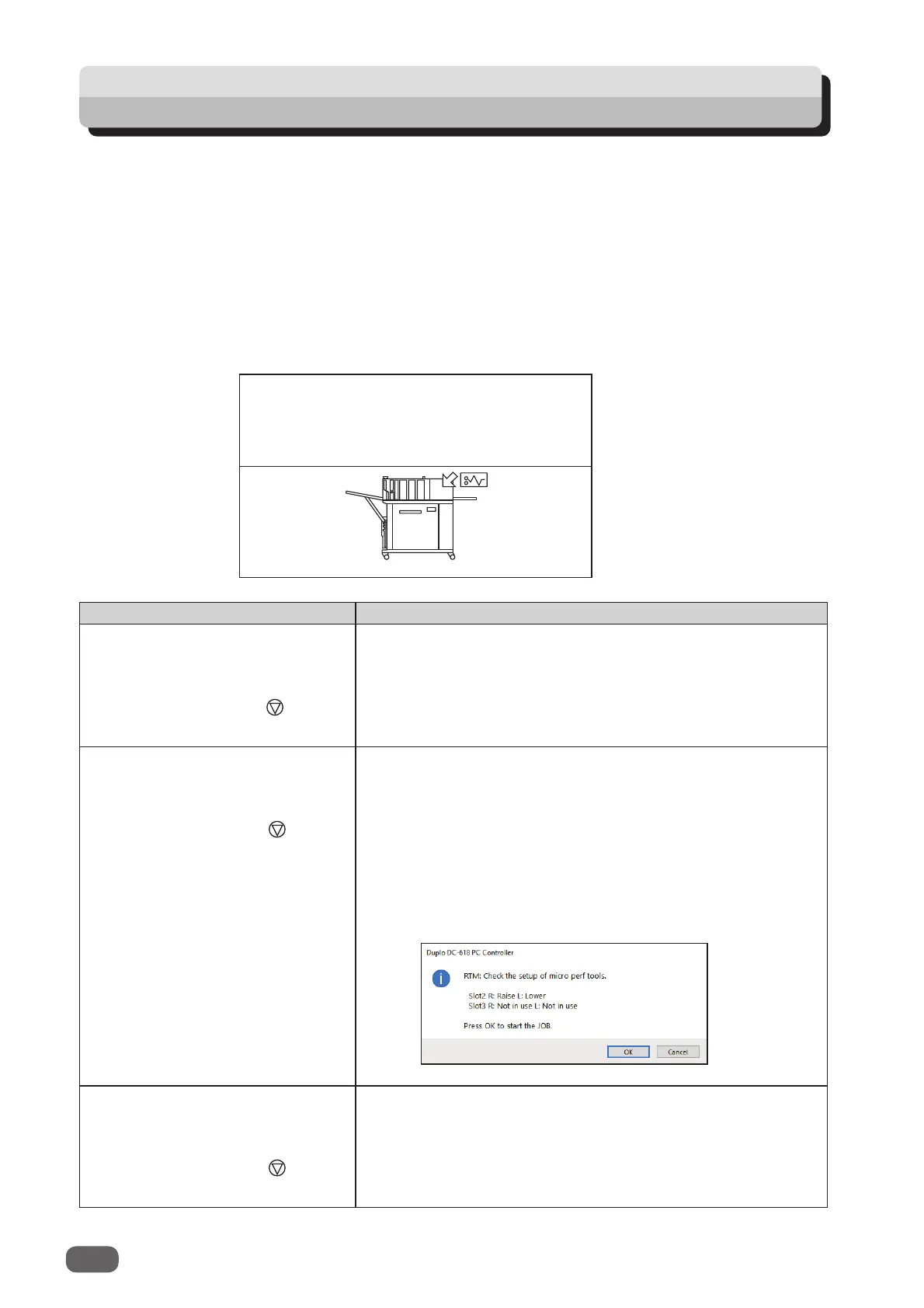
An arrow points at the position where the error is occurring in the fi gure of the machine
displayed in the lower part on the screen.
The error status and the solution are displayed in the upper part on the screen.
Message Status and Solution
RTM pos. adj. in Adjust are
invalid. Please correct.
to clear
Status: Processing positions of
Pattern 1
and
Patter 2
in
RTM pos. adj.
overlap when a JOB in which the
RTM (Rotary Tool Module)
is used is retrieved.
Solution: Reprogram the JOB so that the processing
positions do not overlap.
RTM: Check the setup of micro
perf tools.
to continue to clear
Status: With a JOB in which the
RTM (Rotary Tool Module)
is used selected, this message appears when
processing starts.
Solution: To continue processing the JOB, press the icon
key that is displayed. To clear the error, press the
STOP key.
If you are using the PC Controller, the message as shown
below appears on the computer.
RTM: Check the setup of micro
perf tools.
to clear
Status: A
barcode
was read. With a JOB in which the
RTM (Rotary Tool Module)
is used selected, this
message appears when processing starts.
Solution: Press the STOP key to clear the error.



 To Next Page