5
99
Troubleshooting
If a Document Jam Has Occurred
• Do not touch the tool. Doing so may cause injury.
• Before removing the jammed document, make sure that the machine is fully stopped.
Use the pliers that came with the machine to prevent your hands or fi ngers from being
caught in the machine.
WARNING
SLOT#-* LOCK
SLOT# UPPER LOCK
J05 CHECK MSM/SLOT2
DOCUMENTS IN MACHINE
1
2
3
A document jam has occurred in the
cutter/creaser/
slot
section.
A document jam is displayed on the touch panel.
Follow the procedure below to remove the jammed
documents.
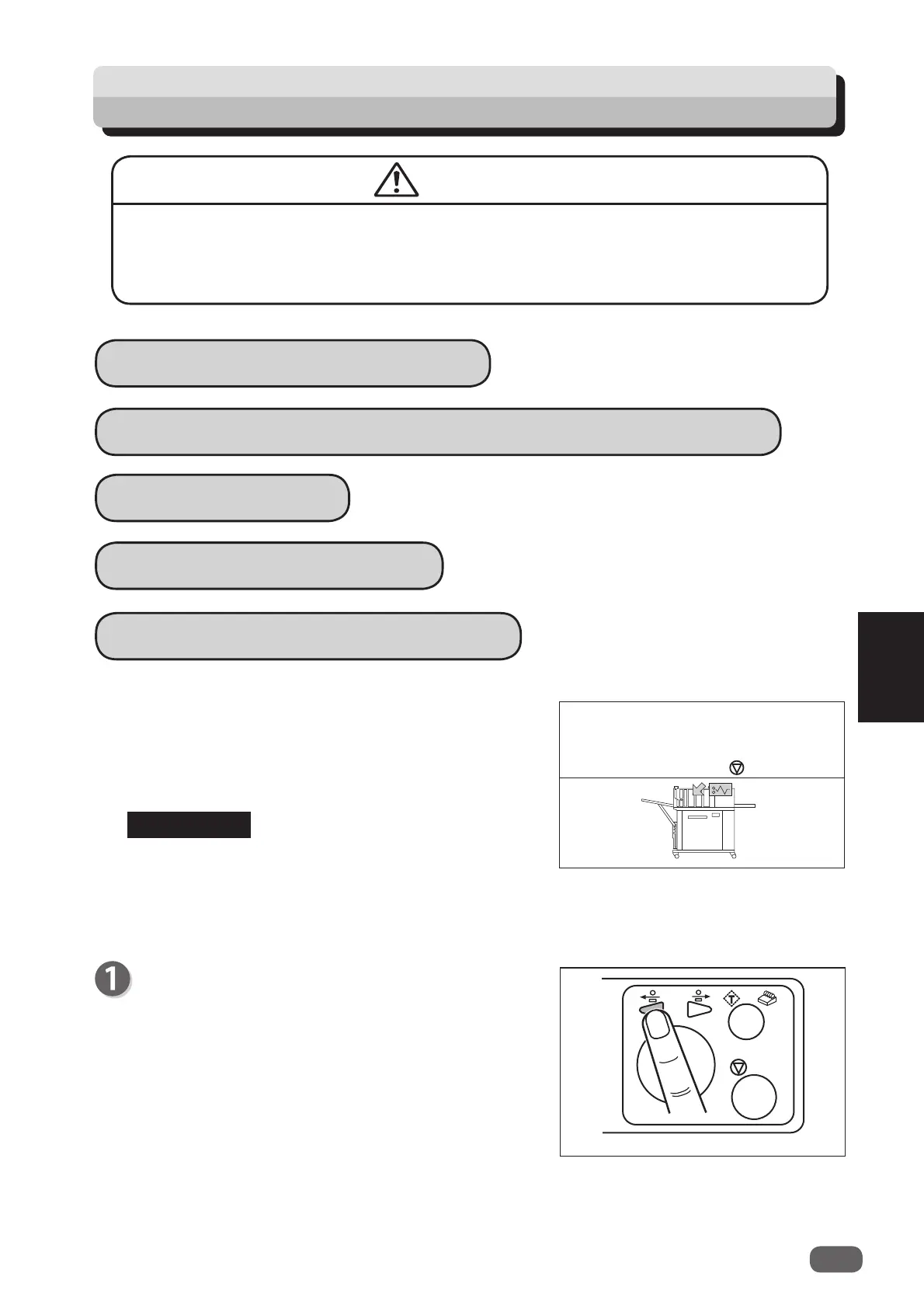
Press the JOG (forward) key to eject the document.
Follow the procedure below as well if
MARGIN-*
LOCK
,
SLOT#-* LOCK
,
GUTTER* LOCK
,
CUTTER
LOCK
,
CREASE TOOL (MALE) LOCK
, or
SLOT#
UPPER LOCK
appears.
J06- * CHECK CUTTER/CREASER/SLOT1/2/3
REFERENCE
J06- * CHECK CUTTER/CREASER/SLOT
Remove documents
from
Cutter/Creaser/Slot
section.
to clear



 To Next Page