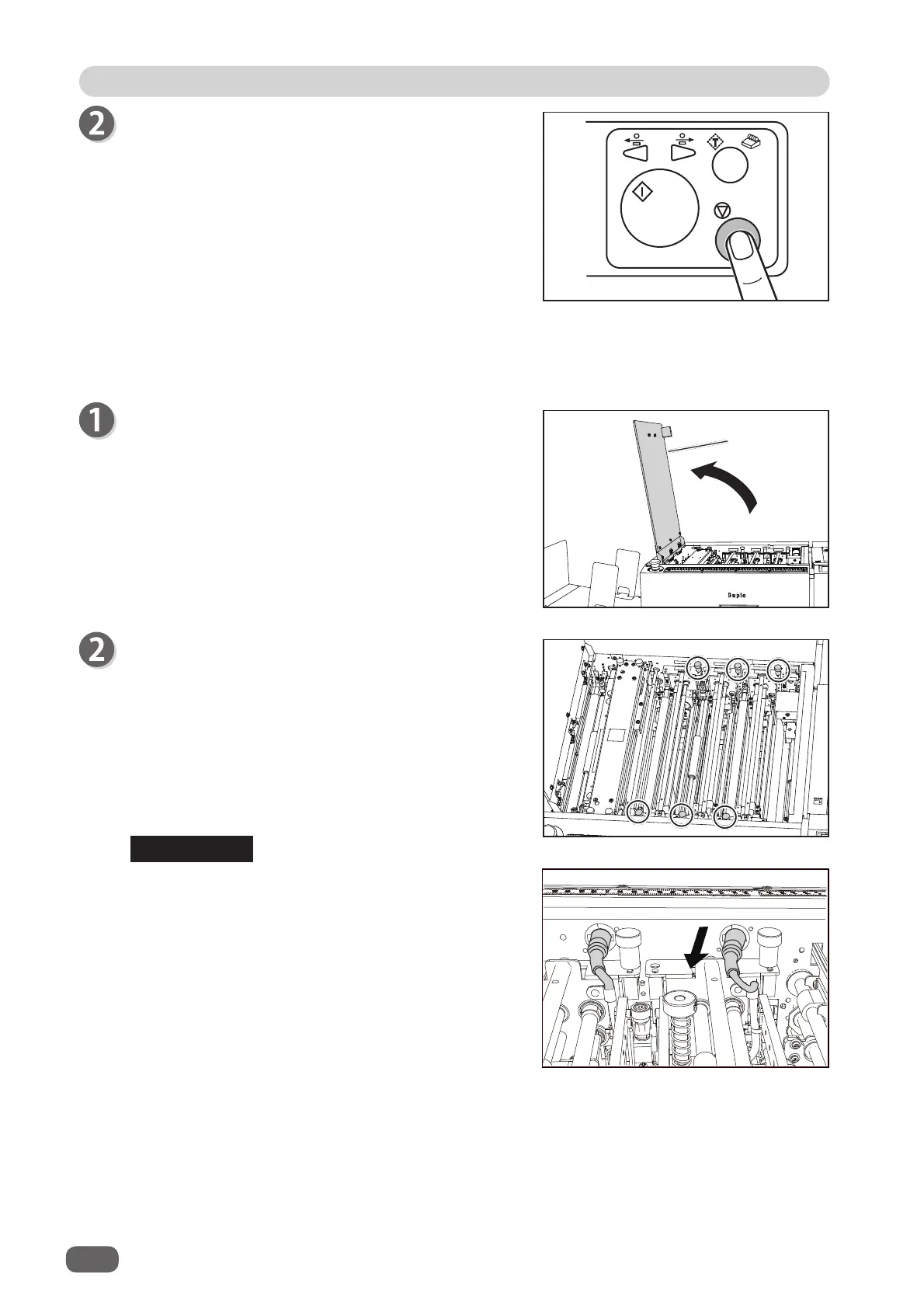
Press the STOP key to clear the error.
The DC-618 is reset and the error message is
cleared.
●
When removing the document from the slot section:
If you cannot remove the jammed documents in the procedure above, follow the procedure below.
Open the
top cover
.
Loosen the
fi xing screws
(two each) on the modules
in
slot 1
,
slot 2
, and
slot 3
.
If the
RTM (Rotary Tool Module)
is installed in
slot
2
or
slot 3
, disconnect the connector of the module.
REFERENCE
Top cover
100
If a Document Jam Has Occurred



 To Next Page