JOB Entry
33
Programming a JOB on the Control Panel
2
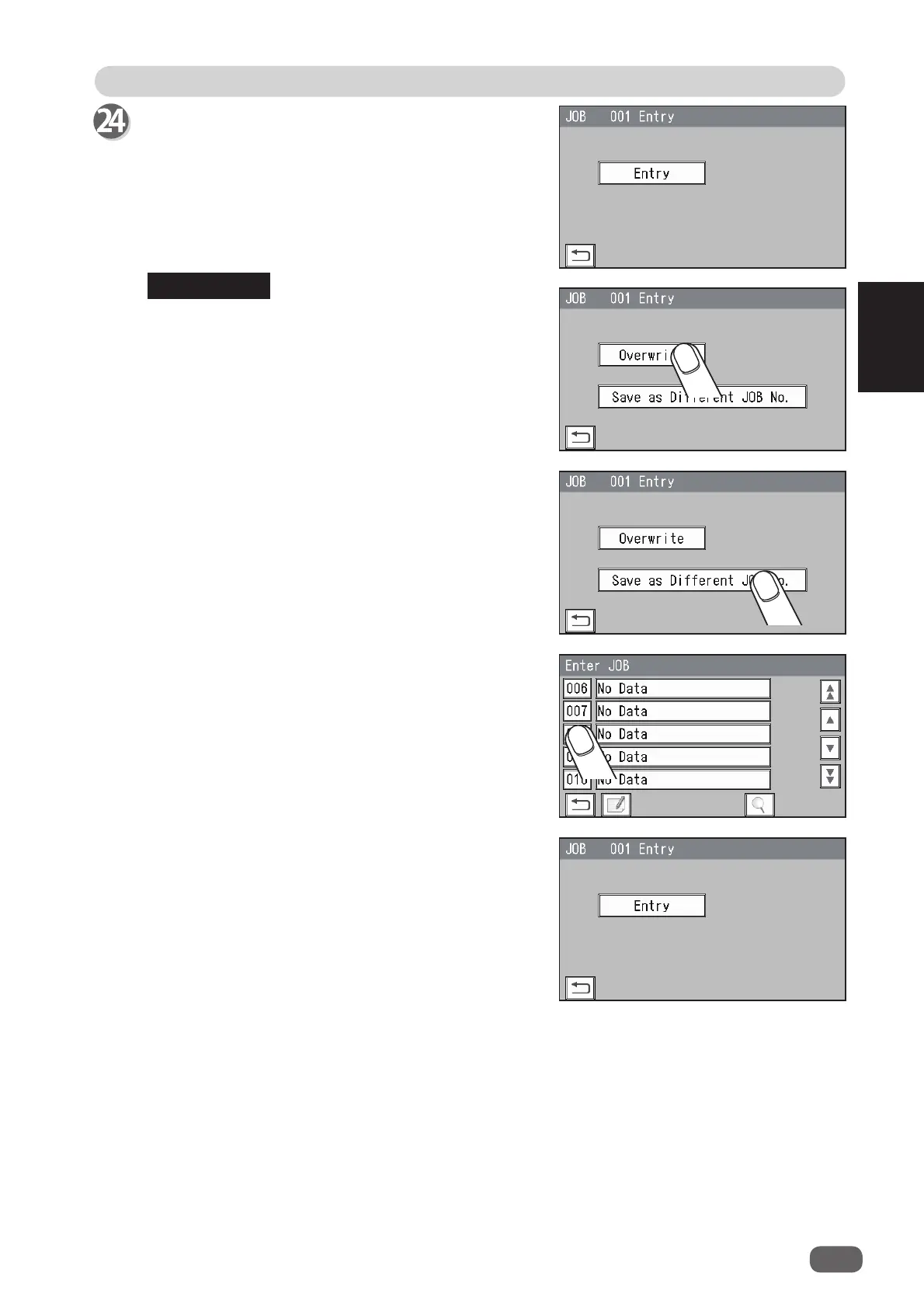
• If you are selecting an already saved JOB and
overwrite it, touch
Overwrite
.
• To save the settings as a diff erent JOB number,
touch
Save as Diff erent JOB No.
1. The
Enter JOB
screen is displayed.
Select and touch a JOB number in which the
programmed JOB is saved.
2. Touch
Entry
.
It saves the settings currently programmed and
returns to the
standby
screen.
Touch
Entry
.
It saves the settings currently programmed and
returns to the
standby
screen.
REFERENCE



 To Next Page