JOB Entry
46
1. Touch the / icon to select a rotary tool for
R
(right side) of
RTM1
out of
Perf
,
Micro
, and
Score
.
Select Tool
RTM1
2. Touch the / icon to select a rotary too for
L
(left side) of
RTM1
out of
Perf
,
Micro
, and
Score
.
Touch
SET
.
The function setting screen appears.
Follow steps
20 to 23 in Wizard. (→P.29)
Tool Setup
1. Each type of the rotary tools on the right side (
R
) or
the left side (
L
) of the
RTM (Rotary Tool Module)
in
slot 2
appears.
Check each of them and touch SET.
RTM2_X1
Follow steps 6 to 10.
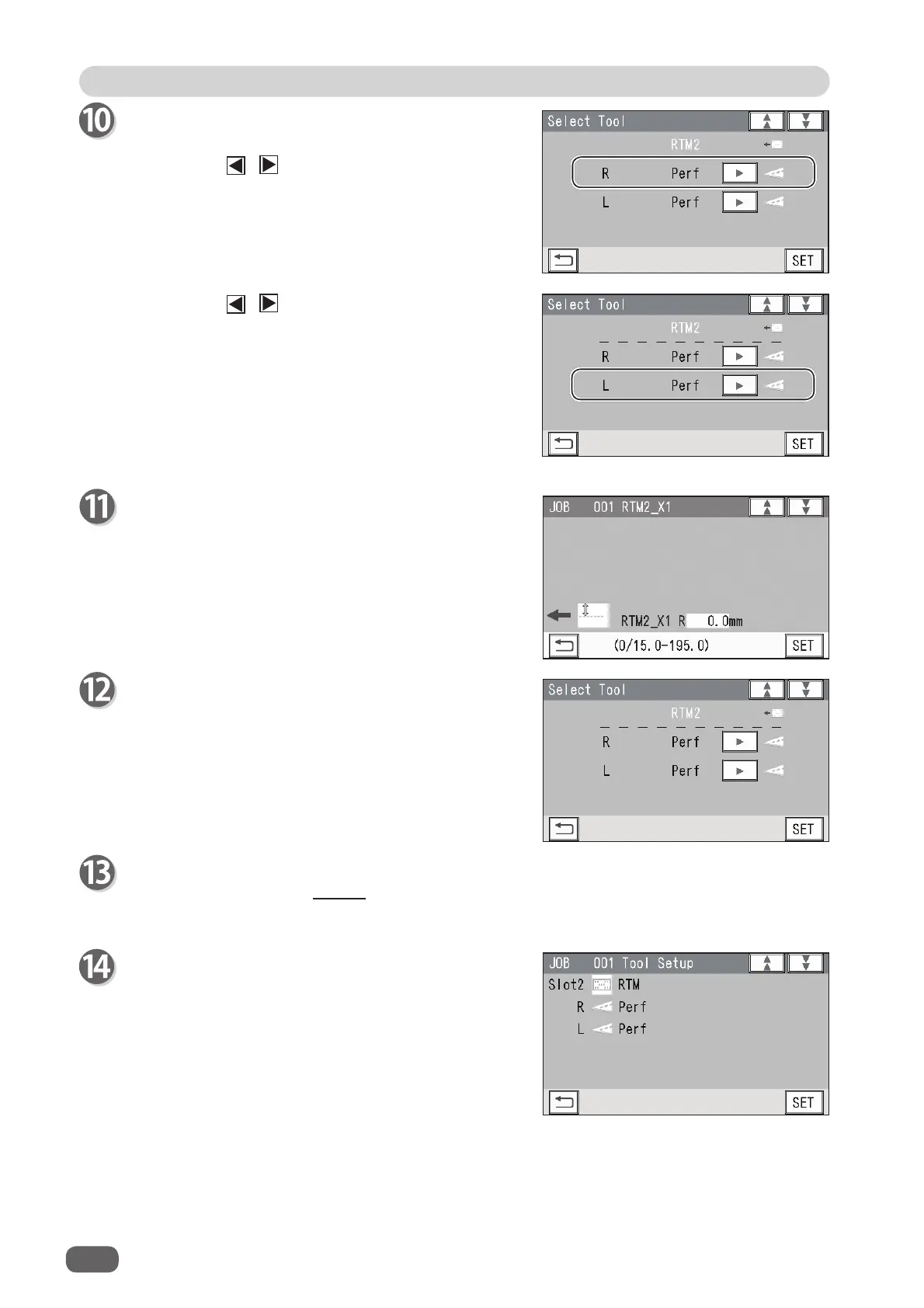
Select Tool RTM2
Select type of the rotary tools on the right side (
R
) and
the left side (
L
) of
RTM2
in a similar way to step 10.



 To Next Page