2
59
PC Controller Setting
4
Programming a JOB on a Computer
No. Name Function
11 Edit Edit a selected JOB here.
12 Copy
Makes a copy of a selected JOB to a diff erent JOB number. Saves
a copy of a JOB as a JOB fi le on a computer.
13 Delete Deletes a selected JOB.
14 Lock Locks /unlocks a selected JOB.
15 Job List Displays a list of JOBs saved in the DC-618.
16 Job Log
Displays JOBs processed with the TEST key or the START key
clicked on the PC controller and saved in the computer as logs.
You can save up to 50 of lately processed JOBs. If the number of
saved JOBs exceeds 50, they are deleted in chronological order.
17 PAUSE FEEDING key
Processes a JOB in the
pause feeding mode
.
Click this to check how a fi nished product is made or to
temporarily stop the DC-618 processing a JOB.
18 STACKER SETUP key
Stops the card stacker in front of the position to which a fi nished
product is ejected.
19 TEST key Processes only one sheet of documents for a test run.
20 START key
Processes a selected JOB.
Inactive while the machine is in operation or having an error.
21 STOP key Stops the DC-618 processing a JOB.
22 Preset Count Presets the number of sheets to be processed for a JOB.
23 Clear Clears the number of preset count.
24 NUMERIC key
Displays the NUMERIC keys, with which you can enter numerical
values instead of using a keyboard.
25 Connect
Select this to control function limit of the control panel on the
DC-618. Clear this to control function limit of the PC Controller.
When the computer to which the PC Controller is connected is
in the sleep mode or the hibernate mode, this is automatically
cleared.
26 Download Queue
Saves a JOB that you tried to save while another JOB is being
processed. You can download the JOB to the DC-618 from here.
27 Function settings
Displays the
Function settings
screen, on which you can make
or change settings for a JOB.
•
In operation
is displayed on the
system status
while a JOB is being processed.
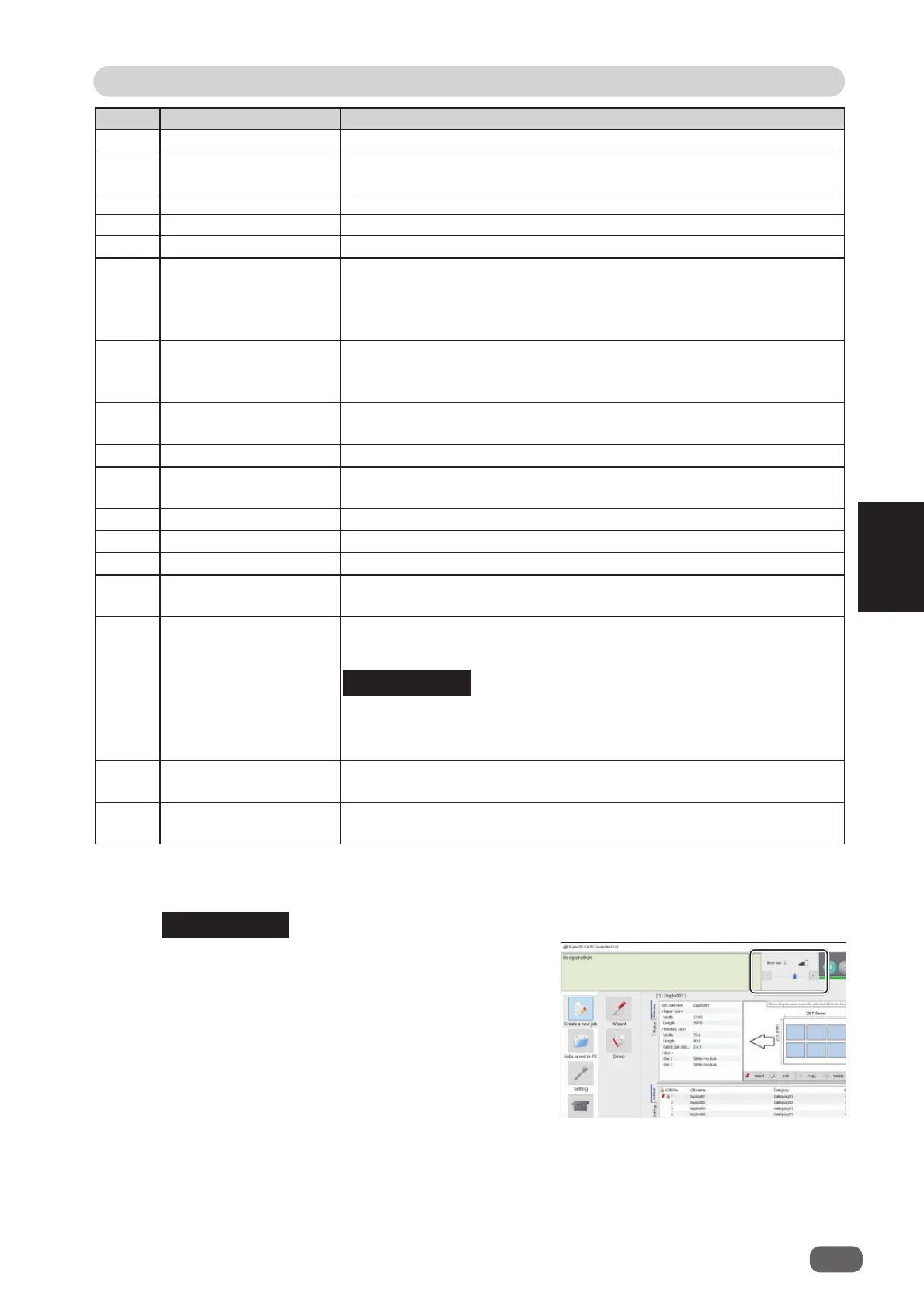
• You can make a setting for the
blow fan
on the
boxed part in the fi gure on the right.
REFERENCE
REFERENCE



 To Next Page