64
PC Controller Setting
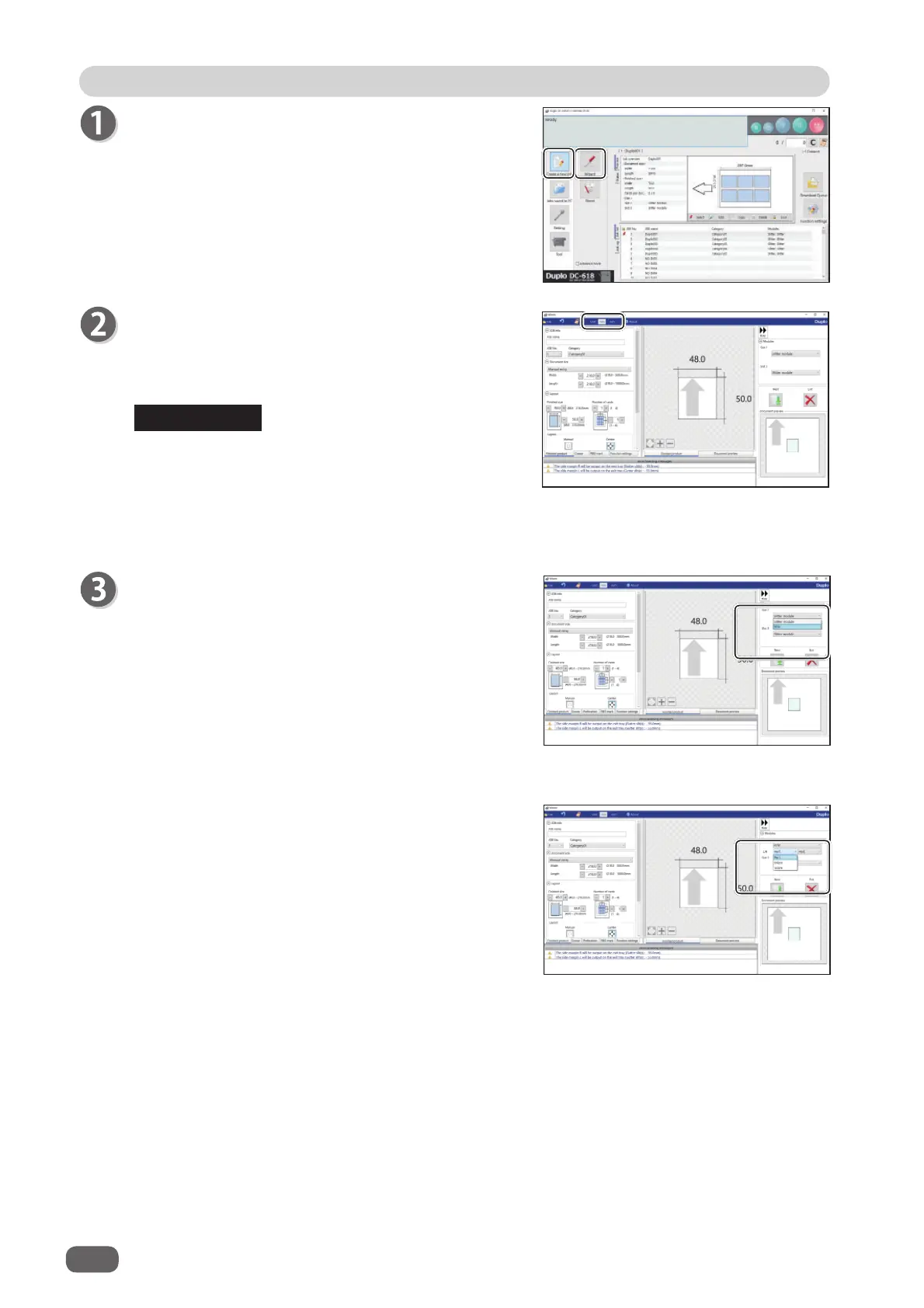
Click
Create a new job
and then
Wizard
on the main
screen.
Select Unit
Select a unit of values to enter out of mm or inch.
If you select
inch
, values entered in inches are
converted to ones in mm and displayed.
• Values entered before a unit is selected are not
converted to the other unit.
Select either unit and then make settings for the
JOB.
• You can enter values to three places of decimals
in inches.
Modules
1. Select a module from the
Slot 2
box.
Standard module
Slitter module
RTM (Rotary Tool Module)
2. If you have selected
RTM (Rotary Tool Module)
,
select tools for the right side and the left side.
Perf.: Perforation tool
Micro: Micro perforation tool
Score: Score tool
REFERENCE



 To Next Page