2
79
PC Controller Setting
4
Programming a JOB on a Computer
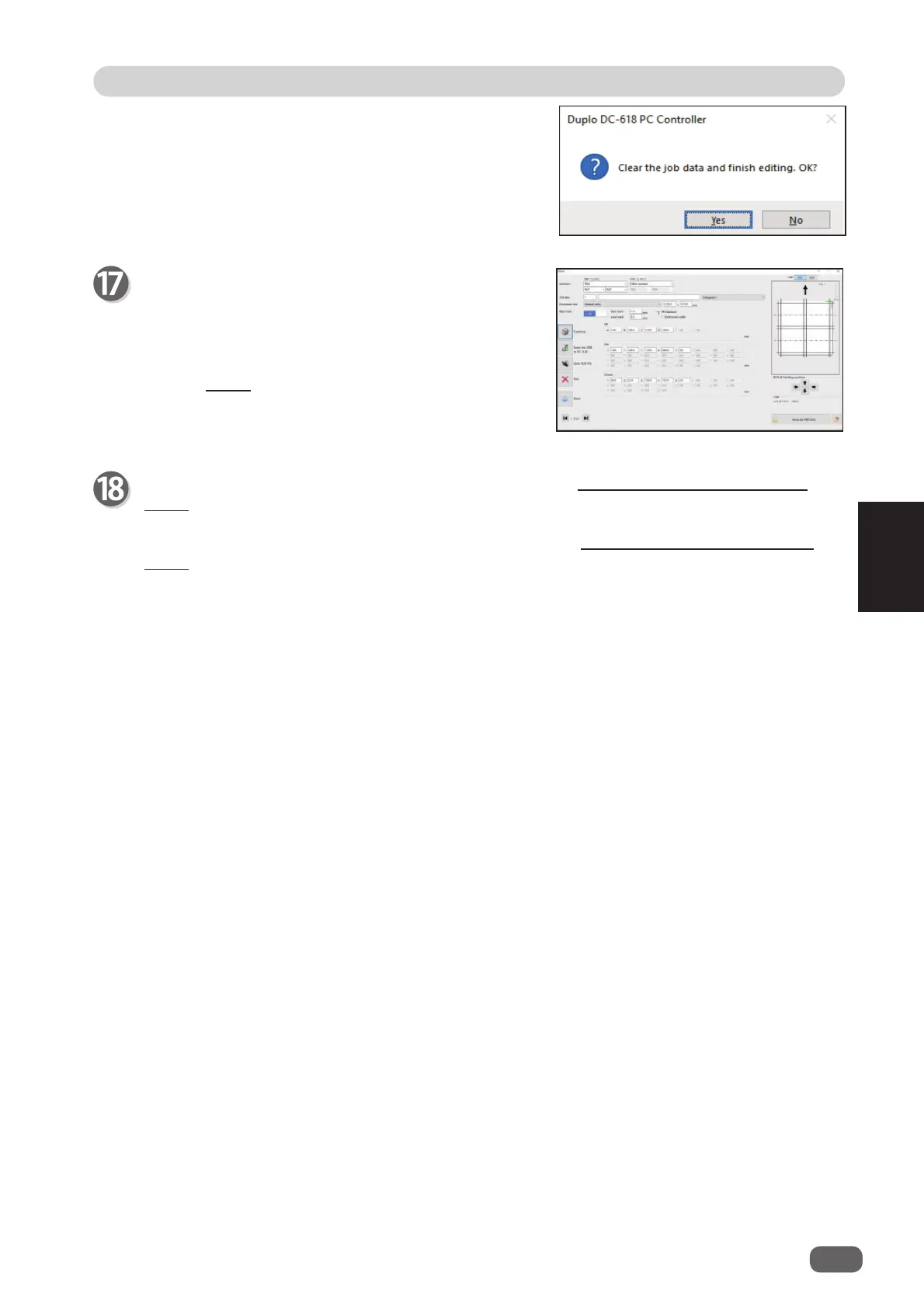
If you click
Exit
, the message as shown on the right
appears.
Click
Yes
to fi nish the JOB setting without saving the
entered values.
Clicking
No
returns to the previous screen.
The
Direct
screen appears.
Check the details of the JOB.
To change the settings, click the text box of the item
to change and re-enter a value for it.
For more details, follow step 2 and the subsequent
steps in Direct (P.80) .
Clicking
Back
returns to the
Wizard
screen.
For the procedure for saving the JOB on a computer, see ●Saving a JOB on a computer
(P.89) .
For the procedure for saving the JOB in the DC-618, see ●Saving a JOB in the DC-618
(P.88) .



 To Next Page