78
PC Controller Setting
•
Preview
Clicking the tabs switches JOB previews between
Finished product
and
Document preview
.
Clicking the buttons on the lower left part of the
preview screen zooms up or zooms out the JOB
preview.
: Adjusts a position and a size of the JOB preview
according to the screen.
: Zooms up the JOB preview.
: Zooms out the JOB preview.
Set all the settings and click
Next
.
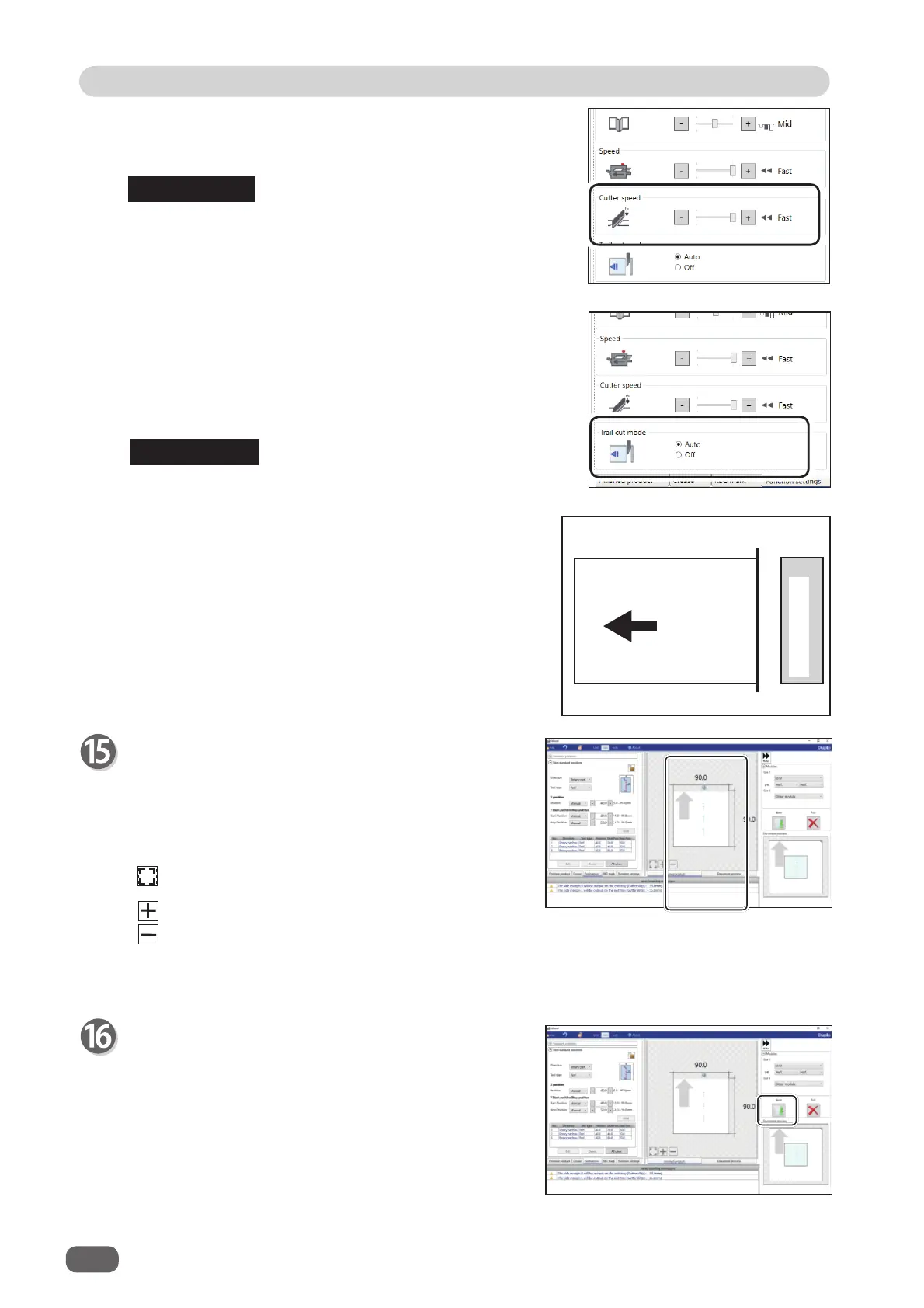
Trail cut mode
This function sets whether dummy cut for the trail
margin is processed or not.
Select
Auto (automatic)
or
Off
.
Auto
: Performs dummy cut for the trail margin one
time.
• Dummy cut: The DC-618 performs cutting operation
without a document to be cut at the
position where the document is fed
for the distance of the trail margin
plus extra length. This is eff ective for
dropping a document, such as when
the trail margin is jammed between the
roller and the lower tool in the cutter
section.
• Trail margin: Means a margin of the trail edge of a
document produced when the last cut
is processed.
Trail margin
Last cut
Document feed
direction
REFERENCE
Cutter speed
Select speed of cutting a document out of
Fast
or
Slow
by clicking
+
or
-
.
If it fails to cut the document with
Fast
, select
Slow
.
REFERENCE



 To Next Page