2
77
PC Controller Setting
4
Programming a JOB on a Computer
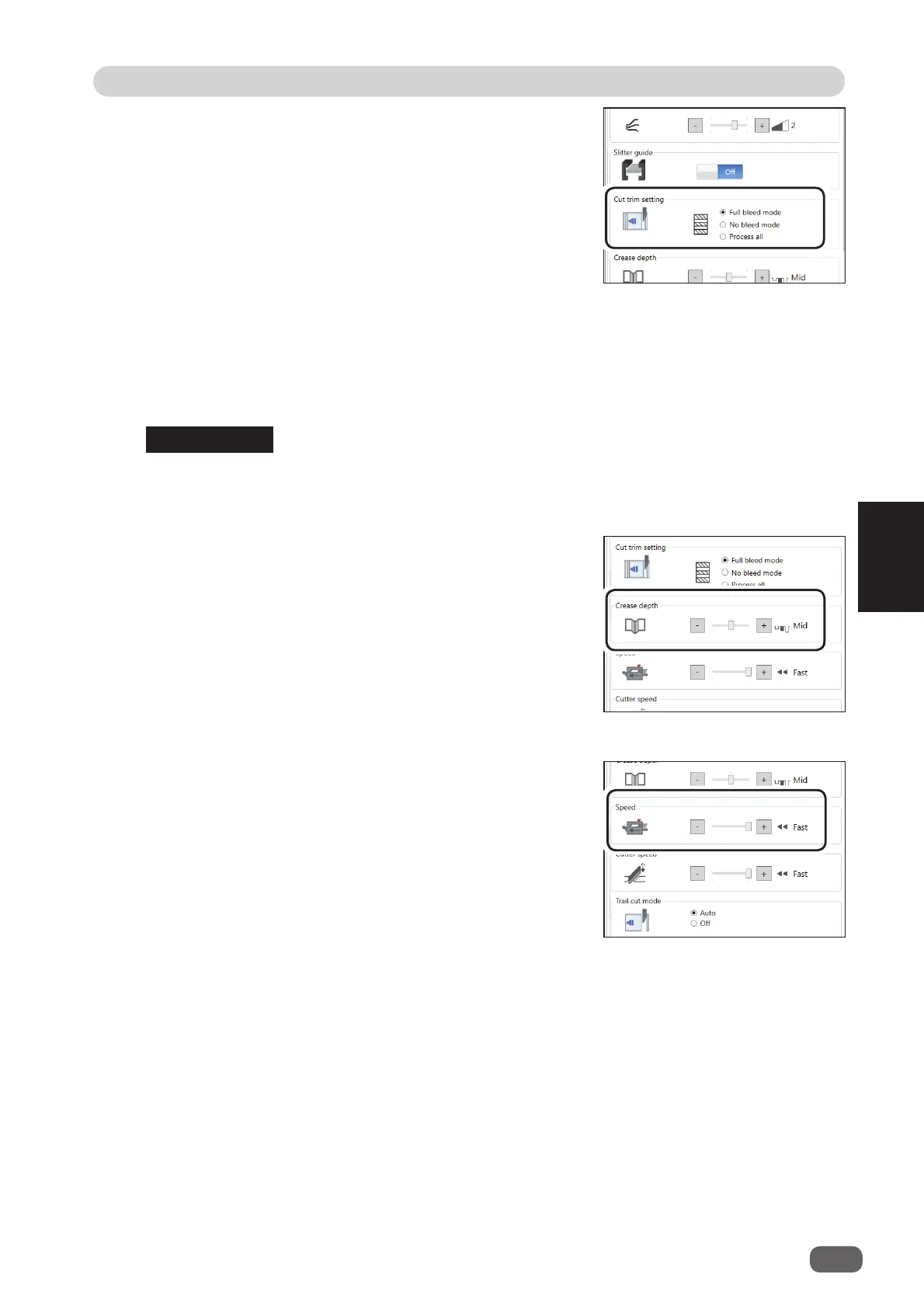
Cut trim setting
The lead margin, the trail margin, and any gutter cuts are
chopped up and dropped into the waste box.
Select
Full bleed mode
,
No bleed mode
, or
Process all
.
Full bleed mode
: The lead margin and the trail margin are
chopped up and dropped into the waste
box. Any other gutter cuts shorter than
49.0 mm in width are also chopped up
and dropped into the waste box.
No bleed mode
: Gutter cuts shorter than 49.0 mm in width are chopped up and dropped into
the waste box.
Process all
: All of the cut pieces are ejected to the exit tray. Gutter cuts shorter than 30.0
mm in width are chopped up and dropped into the waste box. The trail margin
shorter than 60.0 mm are chopped up and dropped into the waste box.
If the document has no lead margin or trail margin, select
No bleed mode
.
Crease depth
This function sets the depth of a crease when a document
is creased.
Select
Max
,
Mid
, or
Min
by clicking
+
or
-
.
Select
Max
when processing heavy weight documents
and
Min
when processing light weight documents.
Speed
Select processing speed out of
Fast
or
Slow
by clicking
+
or
-
.
Selecting
Slow
improves fi nishing accuracy.
If it cannot obtain fi nishing accuracy because of roller slip
due to slippery documents (UV coated documents and so
on), select
Slow
.
REFERENCE



 To Next Page