02 03 04 05 06 07 08 09 10 11 12
10
14 15 16 17 18 19 20 21 22 23 24
25 26 27 28 29 30 31 32 33 34 35 36
37 38 39 40 41 42 43 44 45 46
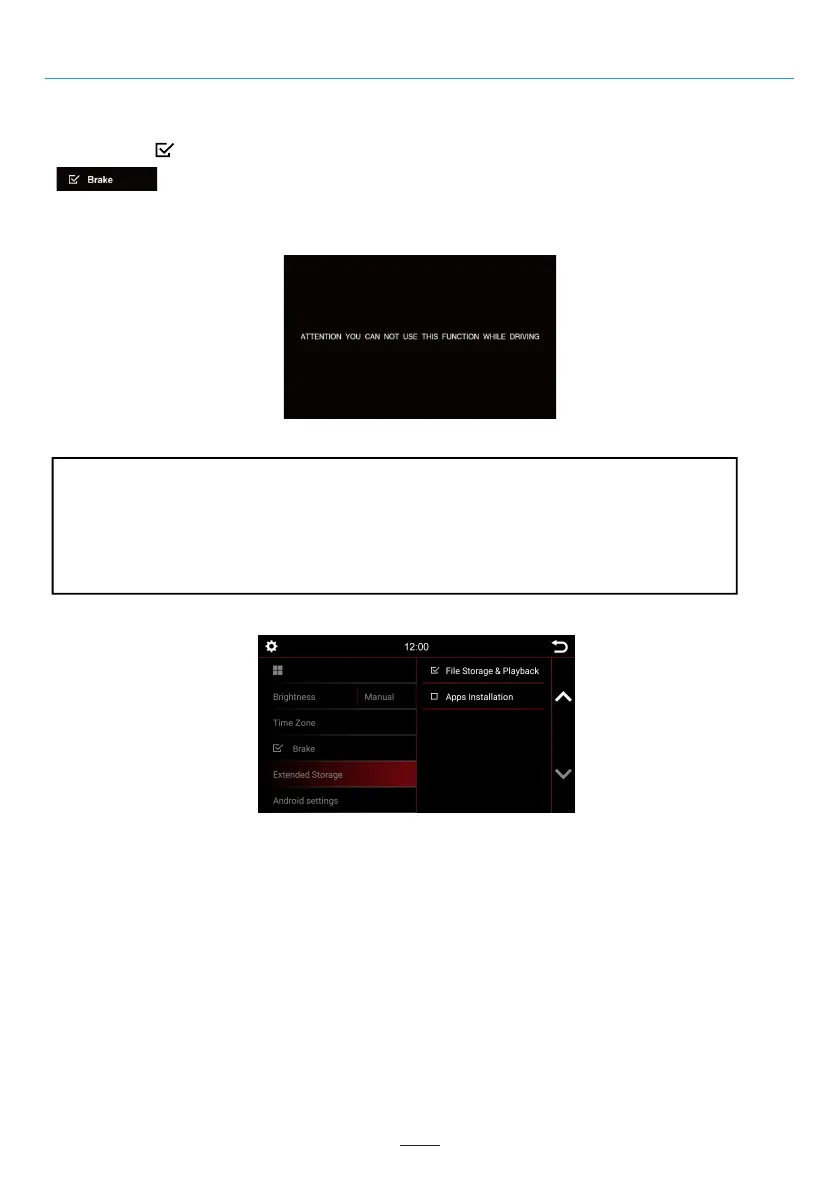
Extended Storage (Vary by version)
If you want to activate the video while traveling, select the Brake option.
Note:
Inform yourself about the requirements and legal regulations in your country. If you activate this option
without permission, this can lead to considerable fines.
This is a setting that is not activated by Dynavin for general use and does not assume any fines.
This setting is activated only by the user and owner, and the latter therefore assumes all responsibility
of activation.
In the system settings you can change some of the basic options and settings of the device. Briefly tap the box
next to the words to enable the option.
A checkmark “ ” indicates that the option is selected.
System Settings
For DYNAVIN models with an external SD card, the user can set it as multimedia file storage or as apps
installation file storage.
Android settings
Reset android system
With
Brake
deselected, video playback will be inhibited so that you are not distracted while driving.
When you engage the handbrake, the image below will be displayed informing you that video playback is not
allowed while traveling.



 To Next Page