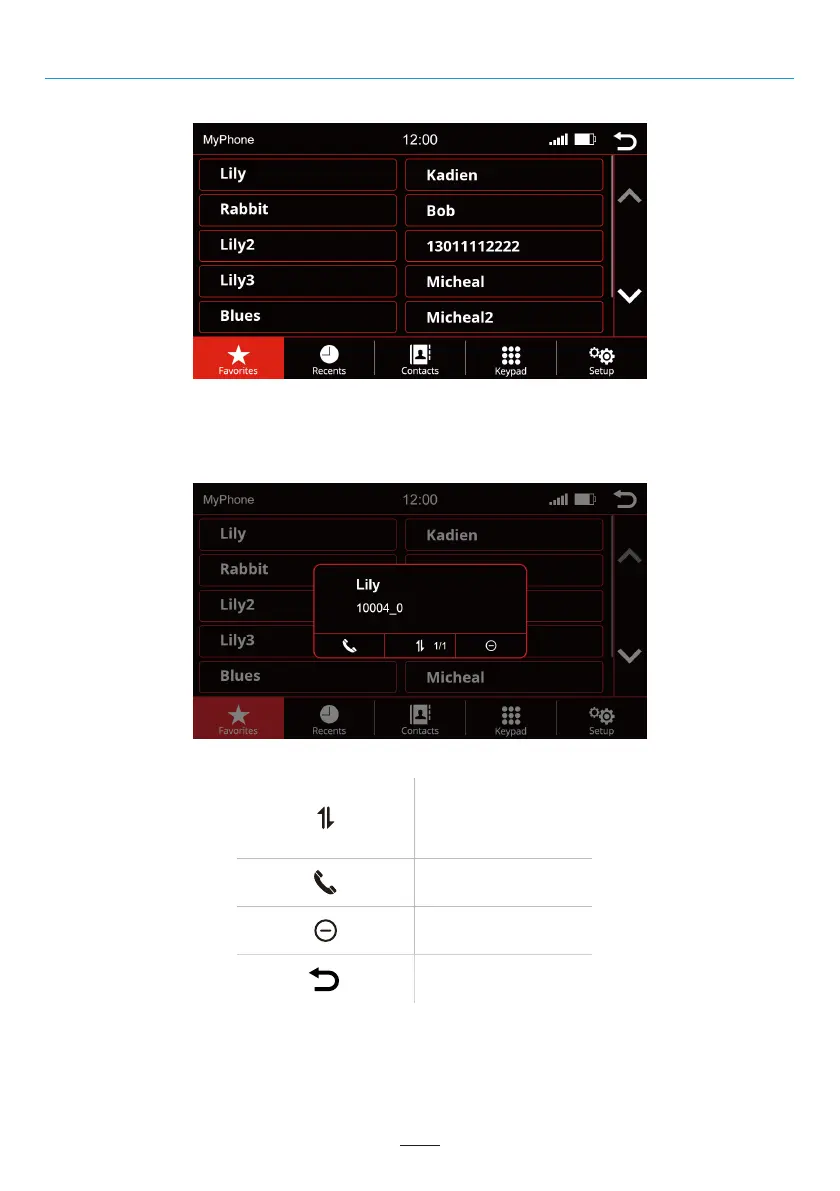
Favorites
As soon as a contact has been saved as a favorite, it is transferred to the favorites list. To open the favorites list
press the "Favorites" button in the menu bar.
Remove contact from
favorites list
Switches between
the stored phone
numbers of the
contact
Call contact
Back to the main menu
02 03 04 05 06 07 08 09 10 11 12
13 14 15 16 17 18 19 20 21
23 24
25 26 27 28 29 30 31 32 33 34 35 36
37 38 39 40 41 42 43 44 45 46
Phone Menu
1
9



 To Next Page