Sound Menu
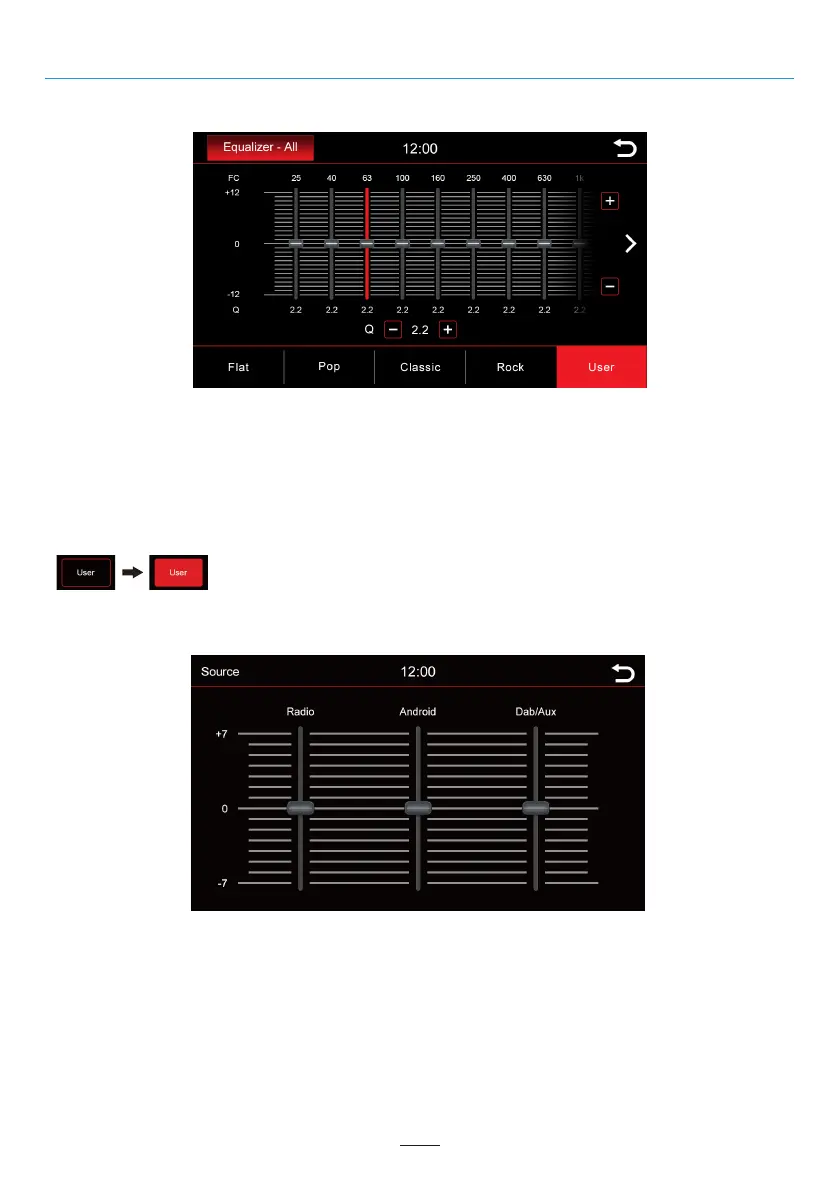
Equalizer
In this menu, you can set the 16-band graphical equalizer. Press and hold the individual band level sliders to
move it up or down for a level change.
However, you can also select some preset values such as Flat, Pop, Classic, Rock, or if you select the User
button, you can make your own personal settings.
Press and hold “User” button to save your personal settings.
Source Volume
Here you can adjust the volume level of various sources. In the 0 range, the radio's set volume is used.
In the range above or below 0, it is automatically adjusted by this level. Automatically adjusts by this level.
You can move the slider to the desired position by scrolling up and down. To do this, press the slider down. You
know the control is selected when the blue bar turns red.
23



 To Next Page