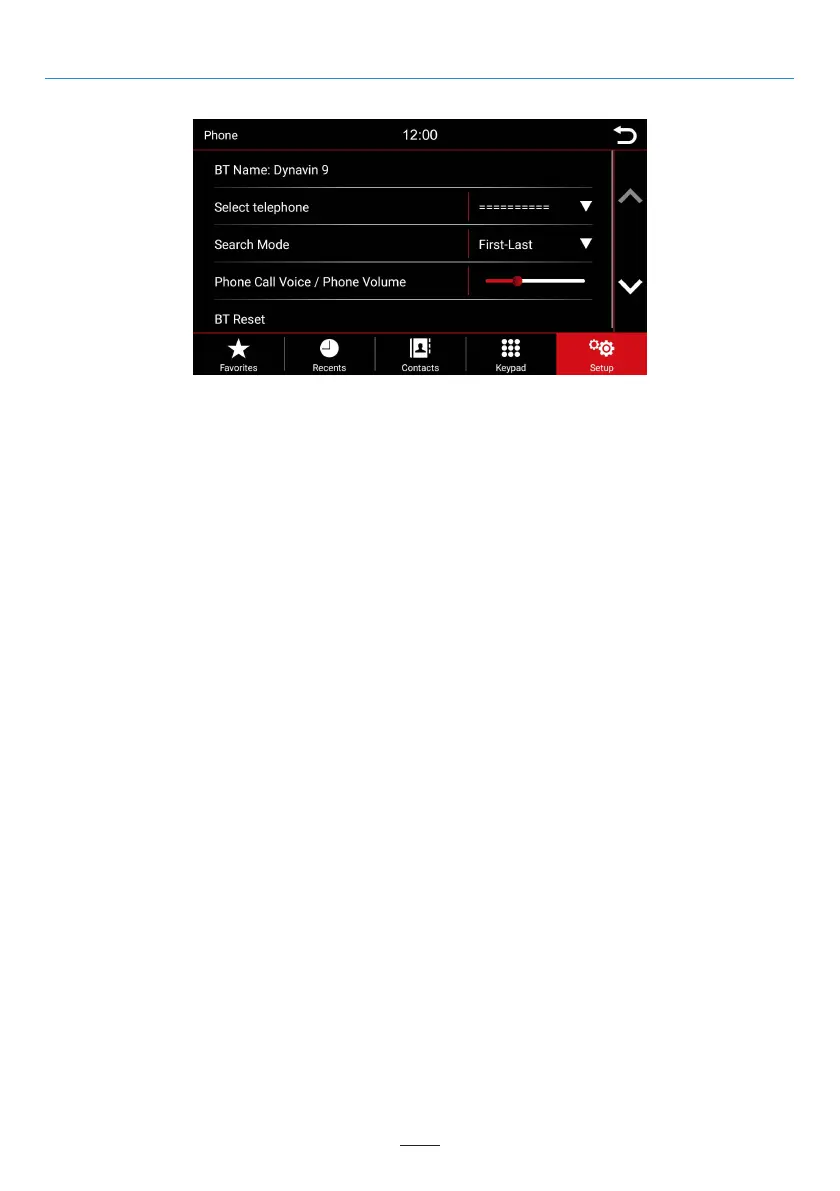
Setup
02 03 04 05 06 07 08 09 10 11 12
13 14 15 16 17 18
20 21 22 23 24
25 26 27 28 29 30 31 32 33 34 35 36
37 38 39 40 41 42 43 44 45 46
Phone Menu
BT Name:
Search in the Bluetooth menu of the smartphone for: Dynavin 9 and connect to it.
Select telephone:
The Dynavin unit remembers the connected phones. Select one to connect.
Search Mode:
Changes how the phonebook contacts are displayed by either first name or last name.
Phone Volume:
The phone volume can be adjusted either by the left rotary knob during a call, or via this menu item
independently of a call. To do this, press the fader area. A large fader appears. Drag in the desired direction.
BT Reset:
This menu item resets everything related to the phone menu to the factory settings.
16



 To Next Page