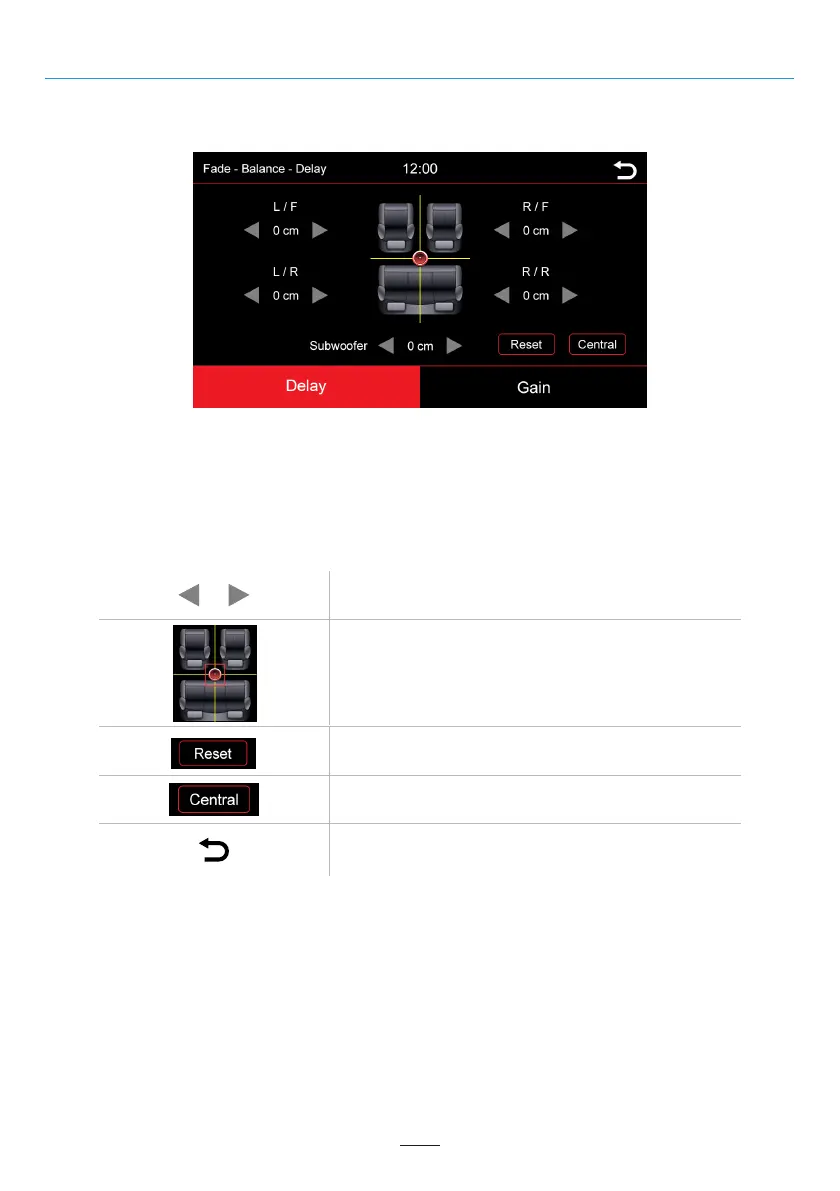
Fade - Balance - Delay - Gain
Overview of the icons
Sound Menu
In this menu you can set the delay correction of the individual speakers:
L/F = Front left
R/F = Front right
L/R = Rear left
R/R = Rear right
Adjust the specified area
Control pad or fader for setting the acoustic center.
Back to the main menu
Back to acoustic center
Back to the default value
02 03 04 05 06 07 08 09 10 11 12
13 14 15 16 17 18 19 20 21 22 23
25 26 27 28 29 30 31 32 33 34 35 36
37 38 39 40 41 42 43 44 45 46
21



 To Next Page