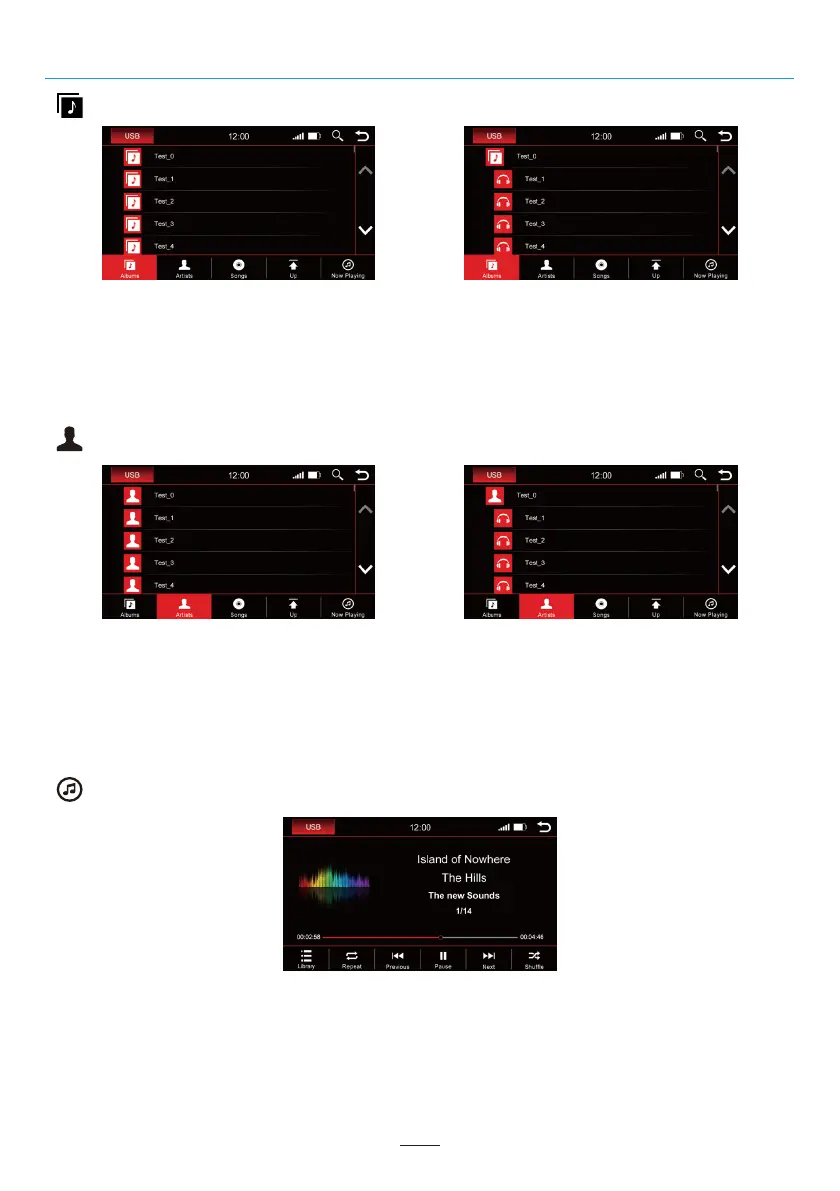
Albums
The images show a closed folder structure on the left and an open folder structure on the right.
Scroll to the desired album using either the arrow keys or your finger. After you have selected an album
you will be shown all the tracks that are in this album.
Tap the desired title to play it back.
Artists
The images show a closed folder structure on the left and an open folder structure on the right.
Scroll to the desired artist using either the arrow keys or your finger. After an artist has been selected, all
tracks of the artist will be displayed to you.
Tap the desired title to play it back.
Now Playing
Click the "Now Playing " icon and you will be back to the playing menu.
02 03 04 05 06 07 08 09 10 11 12
13 14 15 16 17 18 19 20 21 22 23 24
25 26 27 28 29 30
32 33 34 35 36
37 38 39 40 41 42 43 44 45 46
USB
29



 To Next Page