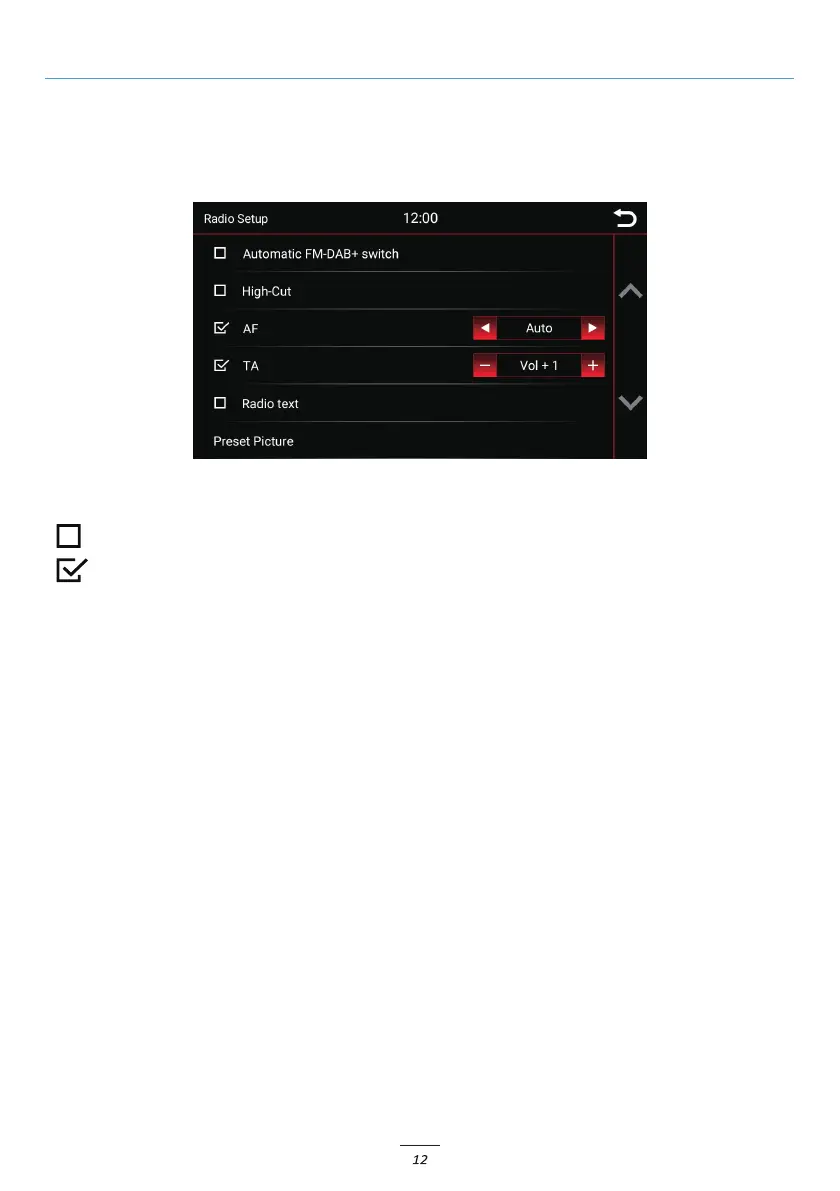
To activate or deactivate a function, click on the respective button.
= deactivated
= activated
High-Cut (Reduce radio noise):
The High-Cut - function causes an automatic change from stereo to mono signal.
AF = Alternative Frequency:
If this option is activated, the radio automatically searches for an alternative frequency when the station
becomes weaker.
TA = Traffic Announcement:
If this option is enabled, traf c messages are automatically imported into the running program.
The value behind it (in the example Vol +3) increases the current volume by 3 volume steps.
Radio Menu
Save Radio Stations
If you want to save a radio station, press and hold the desired station for approx. 1-2 seconds. The station can
then be stored via this memory location.
Setup
Radio text:
When this function is enabled, information can be transmitted from the radio station to your radio.
Like for example information about the played music track or information about the current program, as
well as the station name.
Preset Picture:
Preview and setup of station logos.



 To Next Page