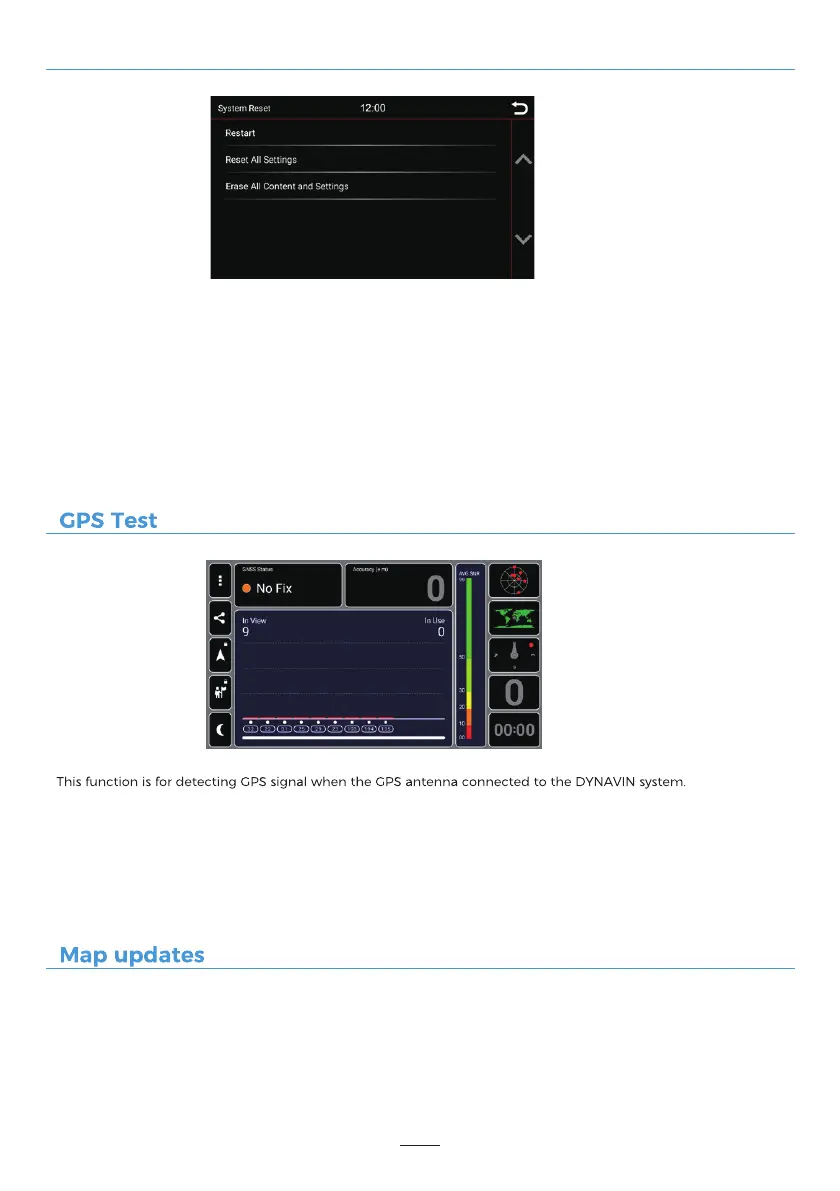
System Reset
GNSS Status
Accuracy
In View
In Use
41
Restart:
The device will be restarted after selected.
Reset All Settings:
It will reset all the setting options to their default values, using this feature will not restore the system and will
not remove any of your installed apps.
Erase All Content and Settings:
It will remove all installed apps, including the map files for the Dynaway GPS navigation software. Please note
that you will need to reinstall Z-Link after this process.
= Location status
= Position accuracy
= Searched GPS signals
= Connected GPS signals
For more information, please refer to the "Map updates" menu for DYNAVIN tips.



 To Next Page