Head-up Display
Head-up Display Menu
43
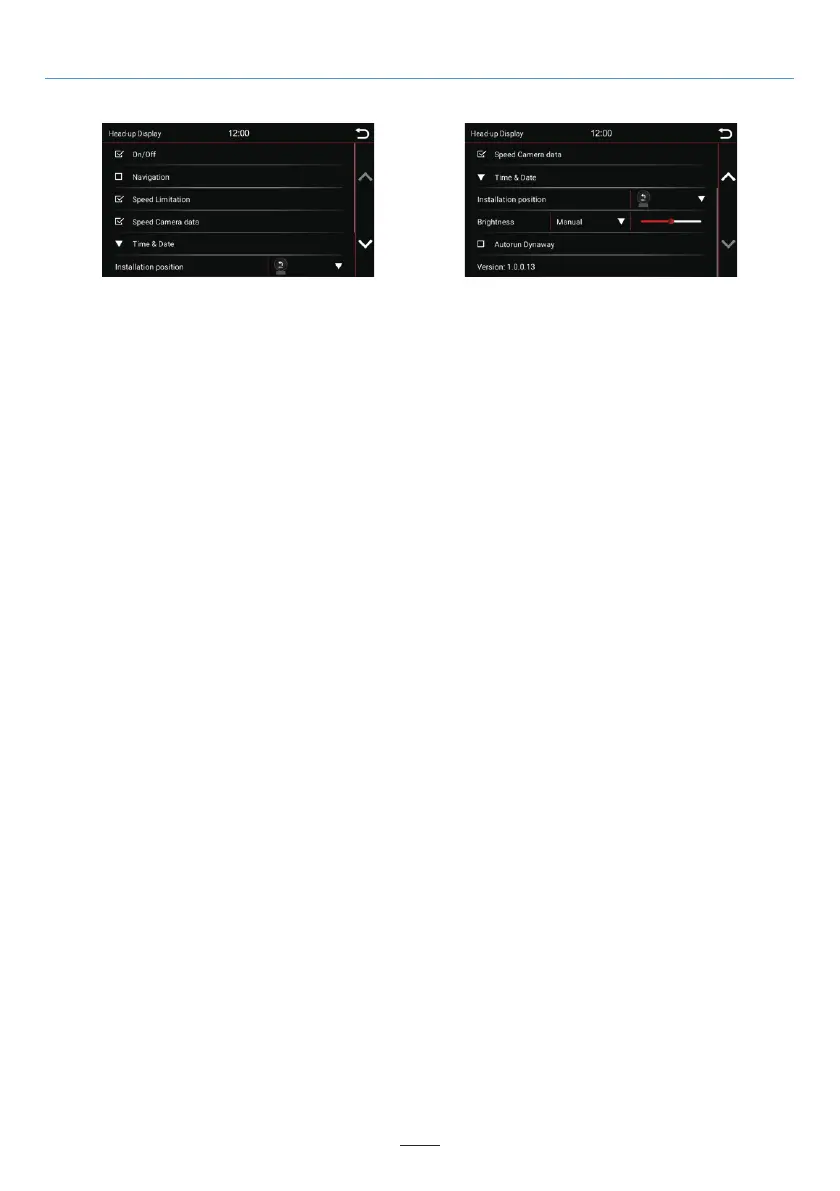
On/Off:
Select this option to activate head-up display to start and connect to the Dynavin radio.
Navigation:
If this option is activated, navigation information from the Dynavin radio is synchronized on the head-up display.
Speed Limitation:
If this option is activated, speed limitation information from the Dynavin radio is synchronized on the head-up
display.
Speed Camera data:
If this option is activated, speed camera data information from the Dynavin radio is synchronized on the
head-up display.
Time & Date:
Tap the down arrow key to select the time information of the head-up display; Two display options available:
"Time & Data" and "Time & Altitude".
Installation position:
The head-up display can be installed on the windshield or on the dashboard. Select the right installation
position to display correctly.
Brightness:
There are two ways to adjust the brightness and control it. Tap the down arrow key to the right of the menu
item "Manual / Auto Lighting" to select.
Autorun Dynaway:
If this option is activated, the Dynaway will run automatically when the vehicle speed exceeds 20 km/h.
Version:
Displays the current version number of the head-up display.



 To Next Page