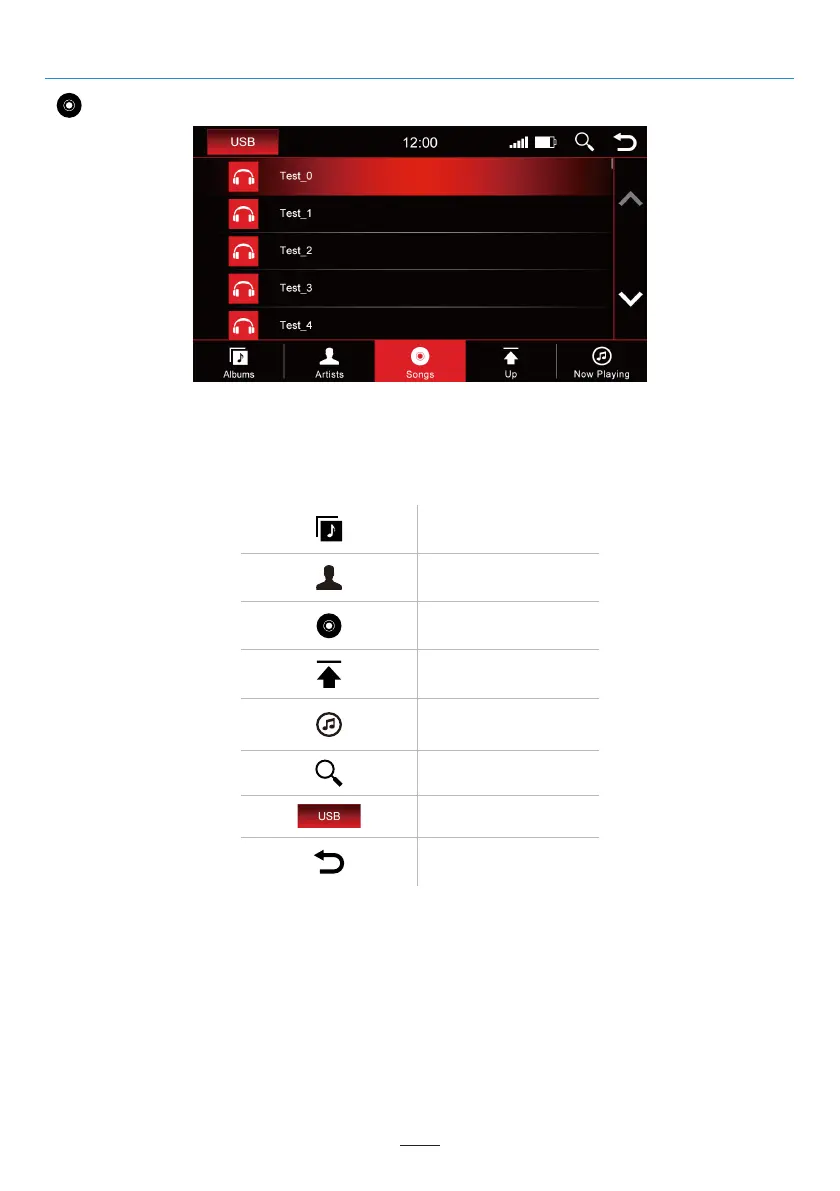
Songs
The above image shows the song overview which will display all of the music files in that source.
Albums overview
Artists overview
Songs overview
Go back a step in
library overview
Search
Show current song
Change media source
Back to the main menu
02 03 04 05 06 07 08 09 10 11 12
13 14 15 16 17 18 19 20 21 22 23 24
25 26 27 28 29
31 32 33 34 35 36
37 38 39 40 41 42 43 44 45 46
Once you select the “Songs” menu, you can sort by albums, artists, or tracks by press the corresponding icon.
Tap the desired title to play it.
USB
28



 To Next Page