The radio station logos are not provided by us.
Steps
Save Radio Station Logos
For saving radio station logos a USB device is required. The USB device must be connected to the Media USB
cable to display them. In addition to logos, there can be other files on the USB device, such as music, videos,
pictures, etc.
Radio Menu
1.
2.
3.
4.
5.
Download the desired station logos from the Internet or from the station's website.
Connect a USB device to the computer.
Save the downloaded station logos in the root directory of the USB device.
Insert the USB drive into the Media USB port on the back of the radio.
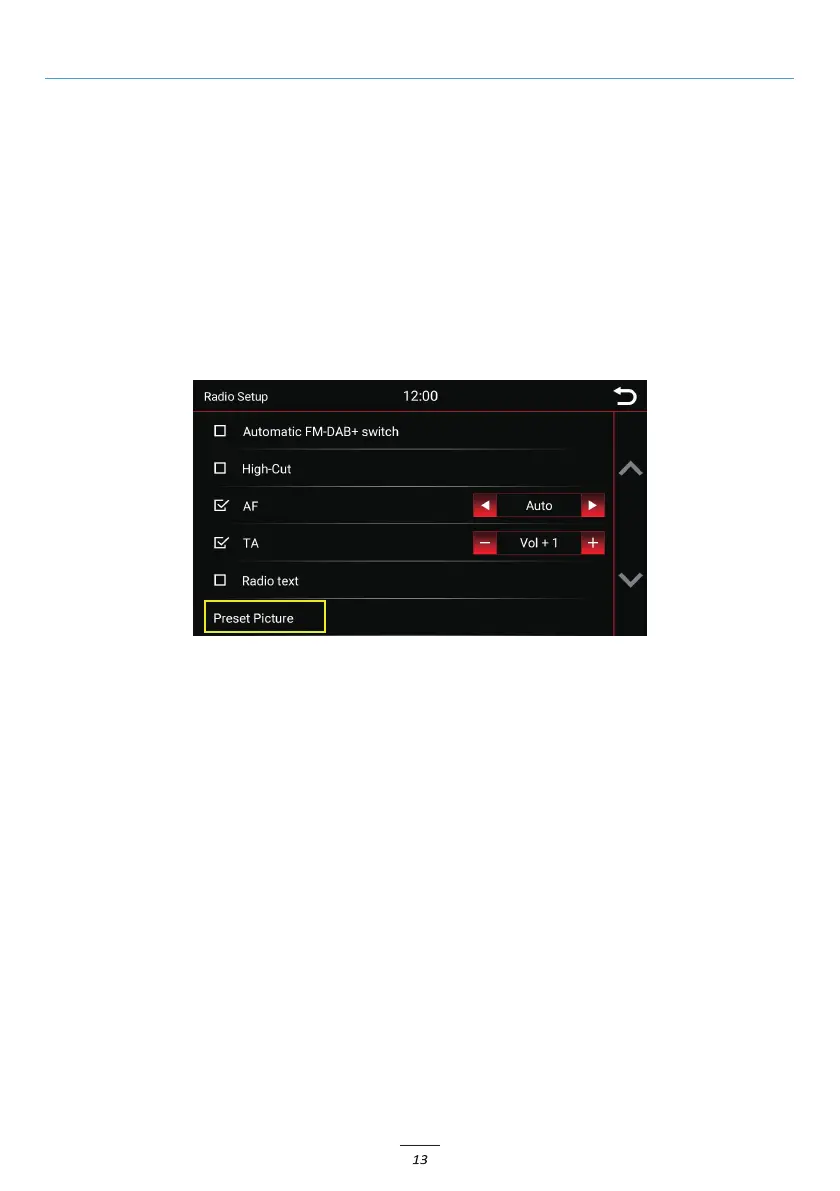
Click on "Setup" in the Radio menu and select the "Preset Picture" option. The data will be retrieved
automatically and the station logos will be displayed.



 To Next Page