Operating the Touchscreen
Most functions of the Dynavin device are controlled through the touchscreen. Therefore, to ensure the
most accurate possible control, it is recommended that you calibrate the screen.
To calibrate the screen, you will see the icons below. Be sure to perform each function as indicated.
Touch the screen (short)
Touch the screen (long)
Press and hold and move
As on a smartphone, you can swipe to move left or right. To do this, touch the screen and slide the
surface to the left or right.
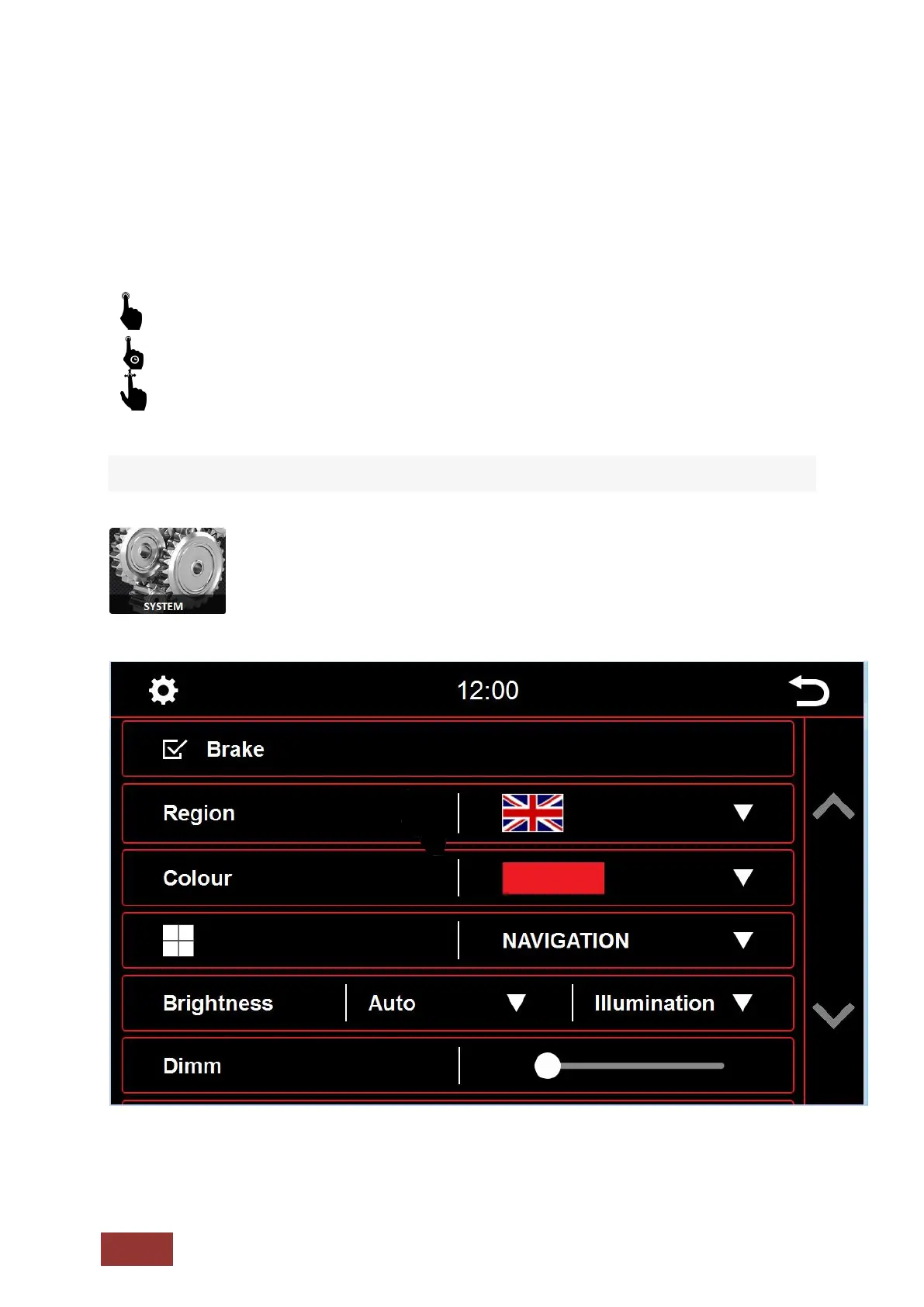
System Settings



 To Next Page