USB function
To access the USB function, tap the USB icon on the Main Menu or push the physical button on the
front panel of the Dynavin that is labeled USB (if available).
You can only access the USB menu when you have a USB device connected to the Dynavin via USB.
Use only USB media formatted with FAT16/32 otherwise the Dynavin may be unable to read the
media. The connected USB media should not exceed 64 GB.
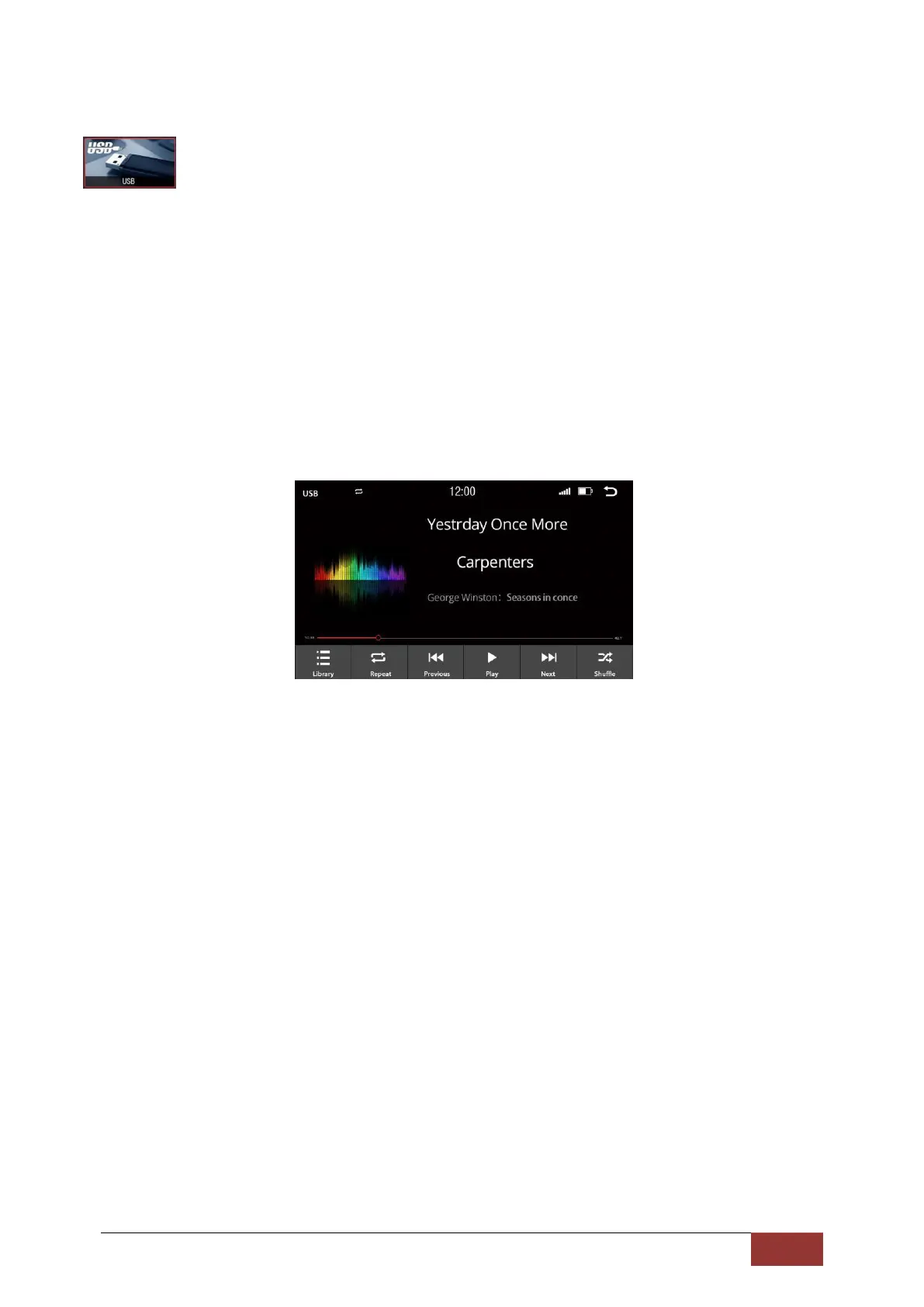
After pressing the USB button, the USB menu will load the contents of the device. Depending on the
size and amount of data, this can take a few seconds.
If you want to use a hard disk, please pay attention to the necessary operating power. Some hard
drives use more power than is supplied by the Dynavin unit; therefore, you may have to use an
external power source.



 To Next Page