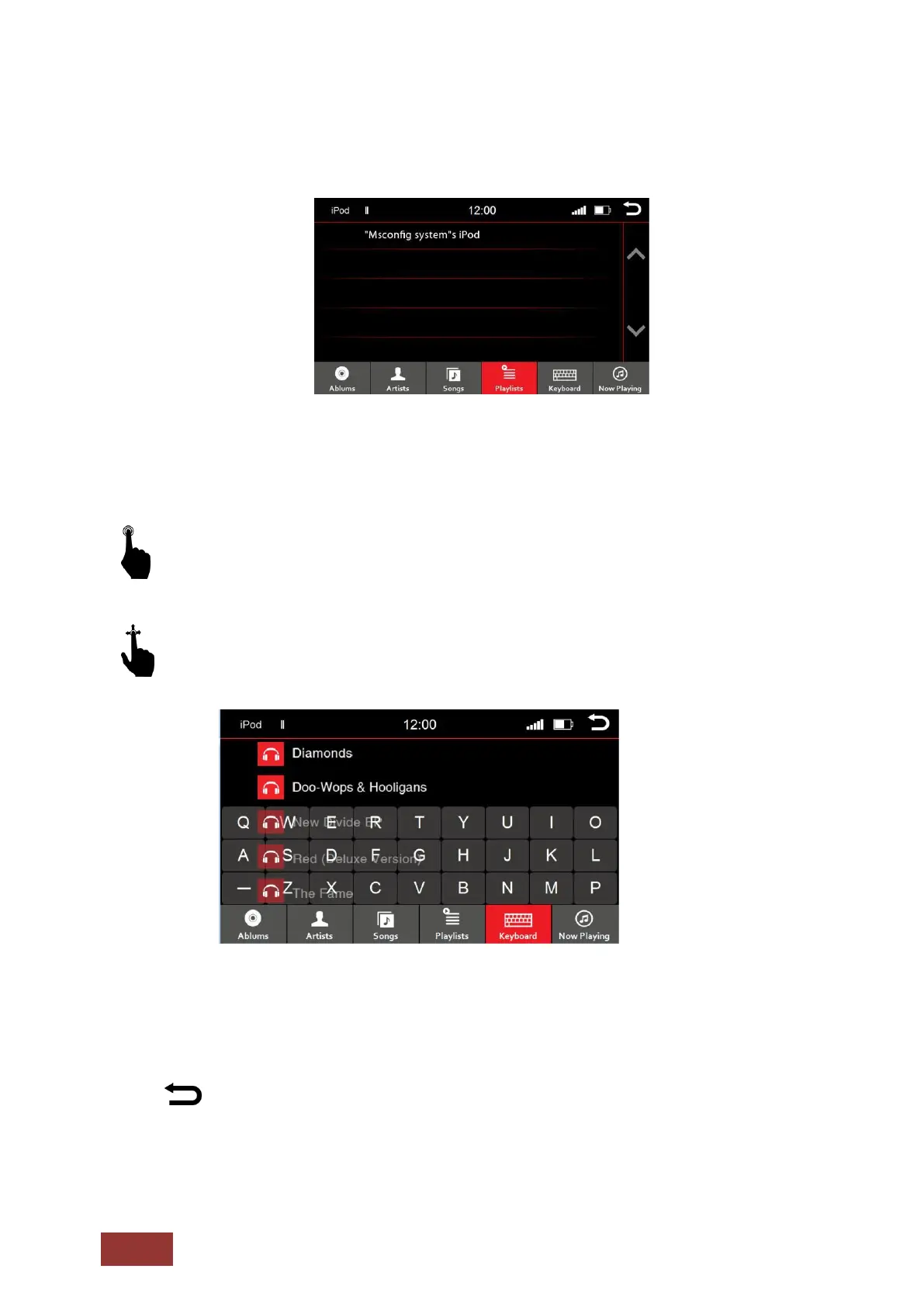
Playlist Menu
If you have opened the playlist menu, you will see all of them like the picture above.
A short press on the playlist name will open it and all the songs stored in that album will be
displayed.
With an up and down motion, you can browse the songs, artists, or albums in the displayed
section.
If you want to browse the contents of the folder, use the search function in the menu. By
pressing the keyboard icon, the virtual keyboard input option will be shown. Type the first letter
of a title to browse the contents.
: Press this button to return to the previous menu.



 To Next Page